
Using Navy Cruise Books in Your Research
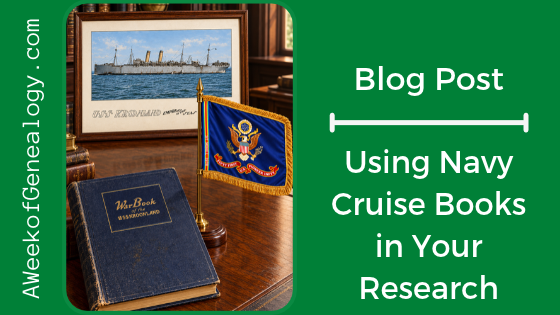
If you have a military service member in your family, then you might know about cruise books. In my home, there is a USMC Cruise Book that captures stories and images about my husband’s squadron’s overseas deployment and the trans-Pacific flights to get there and back.
Fold3 has a Publication that contains these books: US, Navy Cruise Books, 1918-2009. Whether you are researching a Sailor or Marine who served on a ship, or an Army soldier who traveled by ship, you might want to give this resource a try.
As much as these book are part of the story of each crew member on a ship, they are tell part of the story of anyone who traveled on these ships. That means that these books also relate to the U.S. Army troops who were transported. Even though the service member’s name will not appear, the name of the military organization to which they were assigned will.
If you know the ship’s name you can search for her in this Publication. You can also search for the name of a military organization, as well as the names of Sailors and Marines.
Example: WWI
In the Home Page search box, I entered the keywords: wwi cruise books. That brought me to the Search & Browse page.
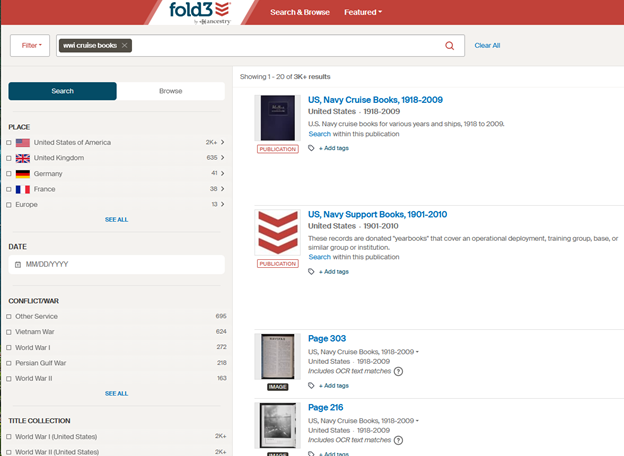
I selected the Publication that is the first result.
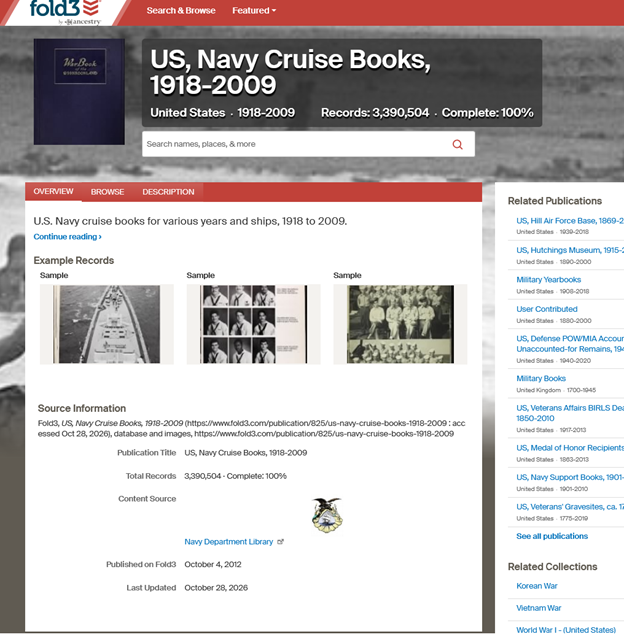
Knowing that the 51st Pioneer Infantry Regiment had traveled on USS Kroonland, I entered the ship’s name in the search box on the Publication page, as a keyword. (Searching for a ship by name is not suggested, but you can always experiment.)
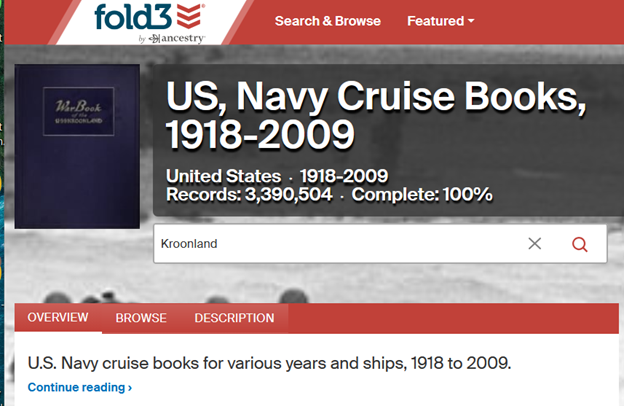
Another option would be to search for the keyword: Kroonland on the Home Page.
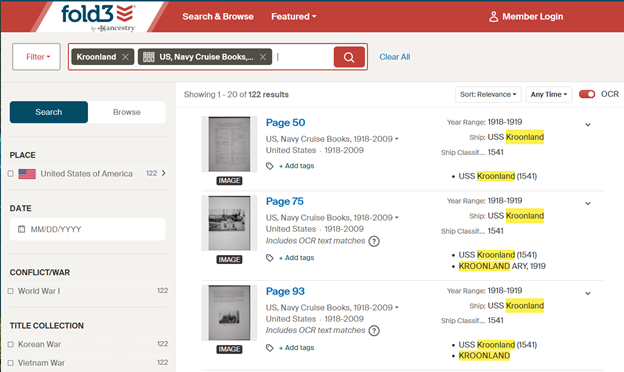
Once you find one page of the book in the search results, you can find the rest of the book from the a viewer page by clicked on the filmstrip icon.
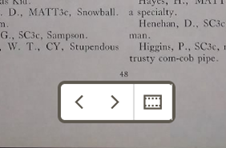
View all the pages where the search result appears.
You can also search within these images.
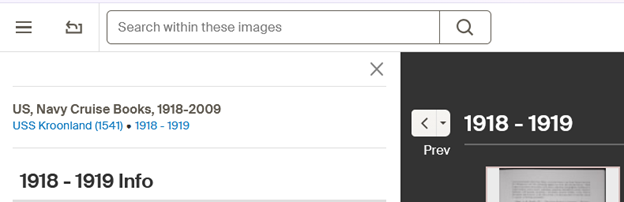
There were four pages about the Atlantic crossing that was made by 51st Pioneer Infantry Regiment (except Company A).
Fold3 did not have cruise books for the other crossings made by the 51st Pioneers.
The way that a search term is used can affect the results of the search. As you type in a search term, facets appear for: Keywords, Name and Place. (If you type in a number, Year would also appear.) Select the facet from the dropdown menu to let Fold3 how to use the search term.
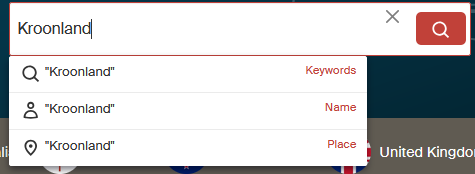
- Kroonland as a Keyword returned pages from the cruise book.
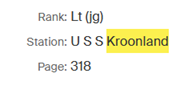
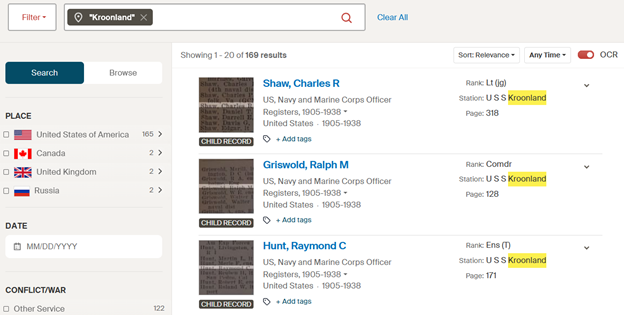
- Kroonland as a Place refers to a Station, and search results are returned for people stationed on USS Kroonland.
- Kroonland as a Name returned no results.
Kroonland as a place refers to a Station, which means that the results might contain Sailors or Marines who were assigned to USS Kroonland.
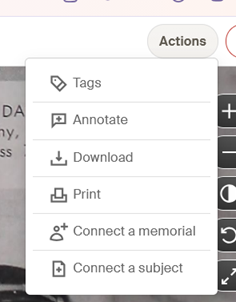
To download an image, use the Action menu. You will be given the choice to download the Entire Page, or Select a Portion. (I recommend selecting the Entire Page for context.)
Each image of a page needs to be downloaded separately. You can download the pages that interest you, or for context, all the pages of the book. If there have been any annotations made to the page, you will have the option to download the image with or without annotations made by other users. Although I consider the annotations to be important part of this platform, when I downloaded images with the annotations they appeared across the page, obscuring parts of it. The filename for an image that included the annotations also had a less than useful name. I recommend keeping track of the annotations that apply to your search targets separately.
You will be asked to select the download format. JPG is always offered, but in some cases there is the option to download the image as a PDF file.
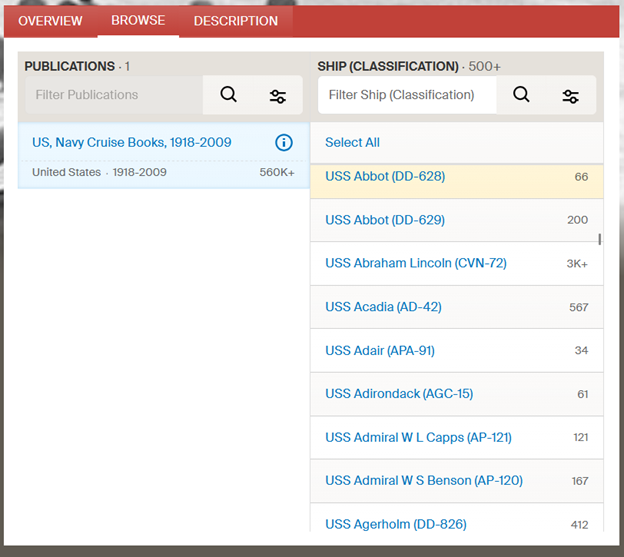
You can also browse from the Publication page where you can filter on the names of the ships. Scroll down in the Ship (Classification) Column to view the names of the ships included in the Publication.
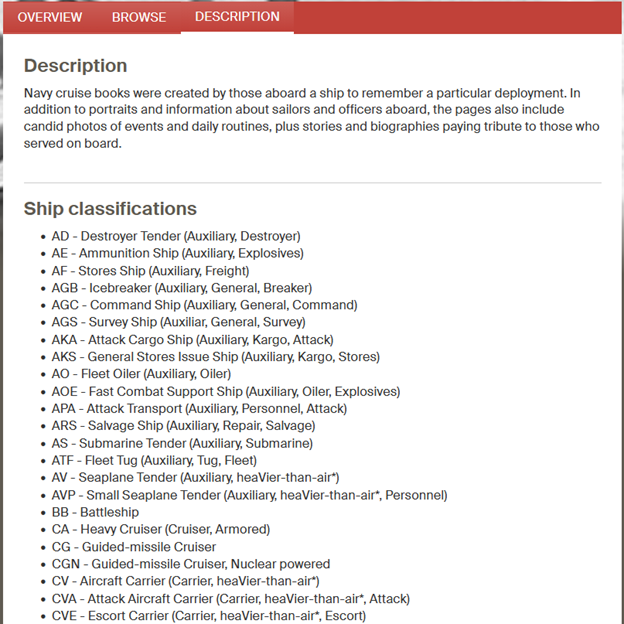
Select the Description tab to see the Ship classifications.
You can also search for the names of Sailors and Marines that appear in the pages of these cruise books. In the Publication page search box, or on the search page.
Example: Vietnam War
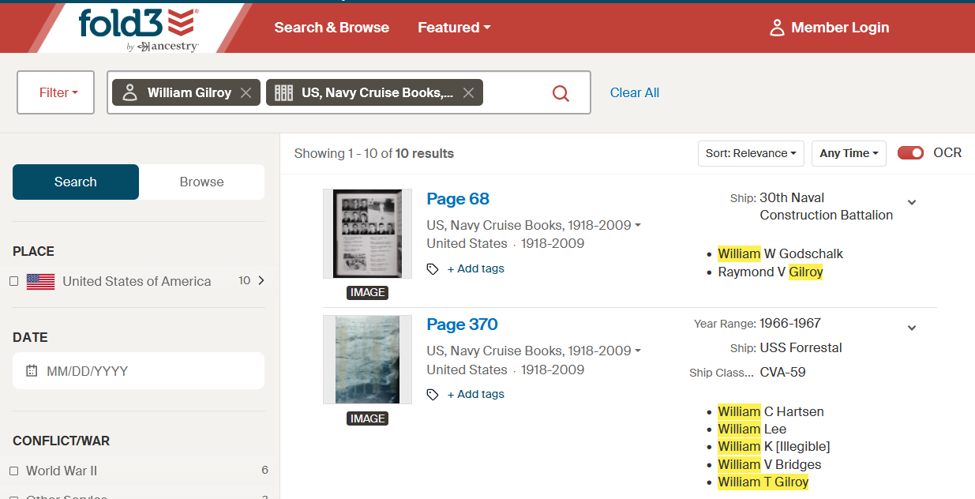
The second result included my cousin’s name. He died in the fire on USS Forrestal 29 July 1967. Two pages listed the 134 sailors who died in that fire. The prior page was in memoriam of those men, and included “The Captain’s Prayer.”
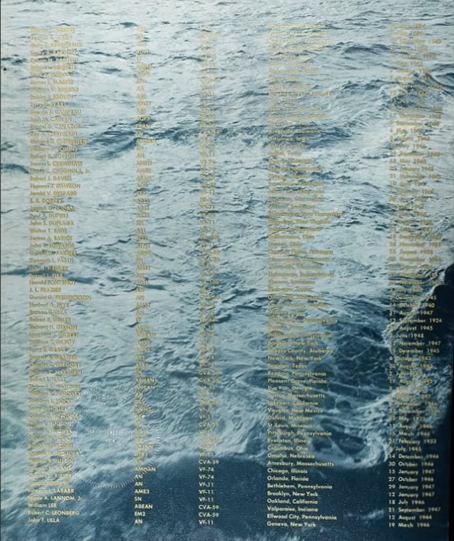
Clicking on the filmstrip icon to see the rest of any cruise book is worthwhile. In this case, the events of the day were documented. Among the pages were the messages sent from the other ships, including a British ship and a message relayed from the Brazilian Navy, with sympathies and specific offers of help.
Good luck using these! Let me know how you do.