Using Navy Cruise Books in Your Research

Blog Post banner Using Navy Cruise Books in Your Research
If you have a military service member in your family, then you might know about cruise books. In my home, there is a USMC Cruise Book that captures stories and images about my husband’s squadron’s overseas deployment and the trans-Pacific flights to get there and back.

Fold3 has a Publication that contains these books: US, Navy Cruise Books, 1918-2009. Whether you are researching a Sailor or Marine who served on a ship, or an Army soldier who traveled by ship, you might want to give this resource a try.

As much as these book are part of the story of each crew member on a ship, they are tell part of the story of anyone who traveled on these ships. That means that these books also relate to the U.S. Army troops who were transported. Even though the service member’s name will not appear, the name of the military organization to which they were assigned will.

If you know the ship’s name you can search for her in this Publication. You can also search for the name of a military organization, as well as the names of Sailors and Marines.


Example: WWI

In the Home Page search box, I entered the keywords: wwi cruise books. That brought me to the Search & Browse page.
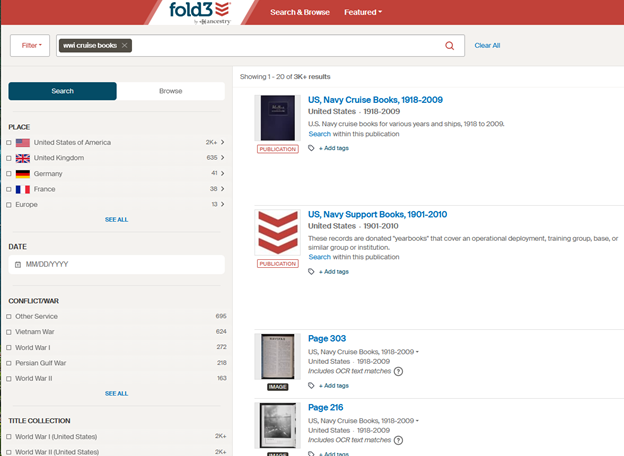
Fold3 Search & Browse page

I selected the Publication that is the first result.
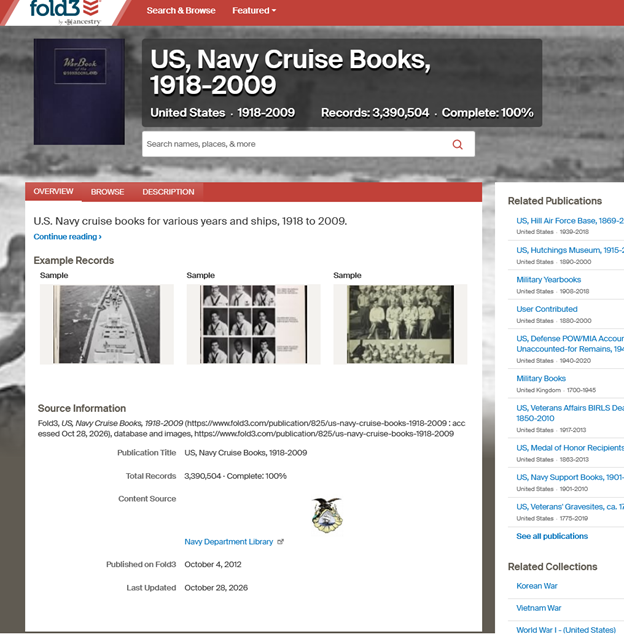
Fold3 Publication US, Navy Cruise Books, 1918-2009

Knowing that the 51st Pioneer Infantry Regiment had traveled on USS Kroonland, I entered the ship’s name in the search box on the Publication page, as a keyword. (Searching for a ship by name is not suggested, but you can always experiment.)
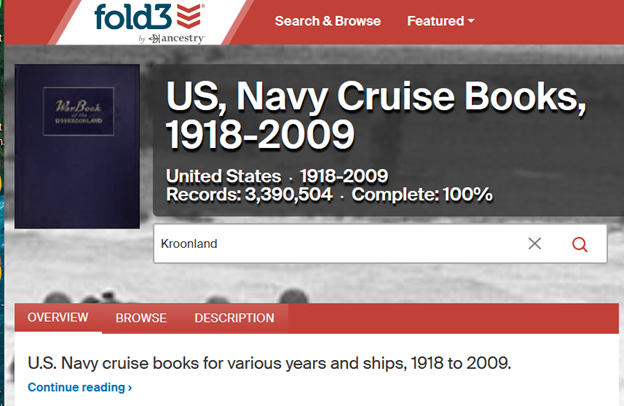
Another option would be to search for the keyword: Kroonland on the Home Page.
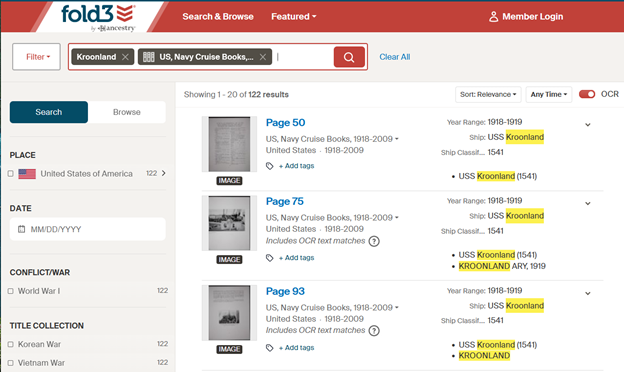
Once you find one page of the book in the search results, you can find the rest of the book from the a viewer page by clicked on the filmstrip icon.
View all the pages where the search result appears.
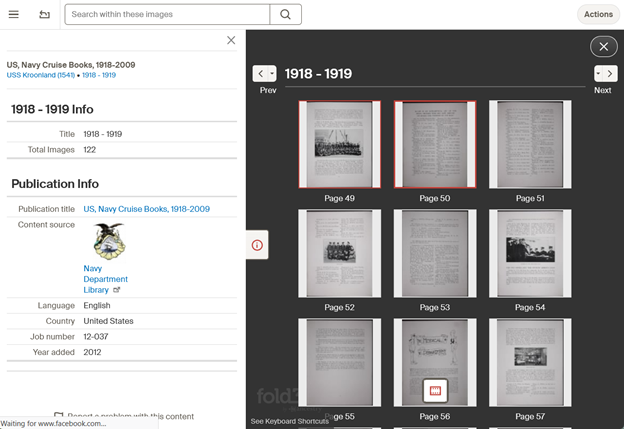
You can also search within these images.
Box to Search within these images

There were four pages about the Atlantic crossing that was made by 51st Pioneer Infantry Regiment (except Company A).

Fold3 did not have cruise books for the other crossings made by the 51st Pioneers.


The way that a search term is used can affect the results of the search. As you type in a search term, facets appear for: Keywords, Name and Place. (If you type in a number, Year would also appear.) Select the facet from the dropdown menu to let Fold3 how to use the search term.
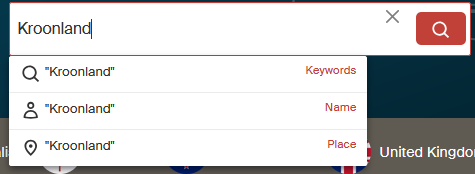
Fold3 search
  • Kroonland as a Keyword returned pages from the cruise book.
  • Kroonland as a Place refers to a Station, and search results are returned for people stationed on USS Kroonland.
  • Kroonland as a Name returned no results.

Kroonland as a place refers to a Station, which means that the results might contain Sailors or Marines who were assigned to USS Kroonland.
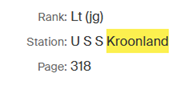
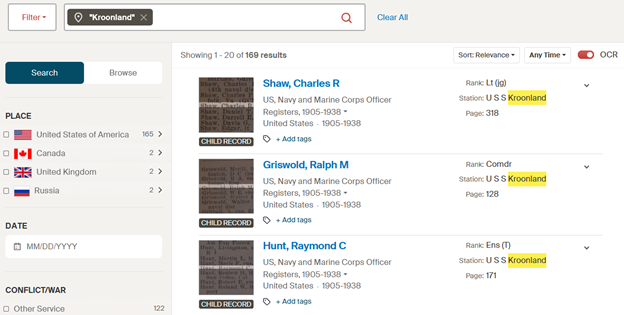
Fold3 search result for Station
Fold3 Kroonland searched as a place

To download an image, use the Action menu. You will be given the choice to download the Entire Page, or Select a Portion. (I recommend selecting the Entire Page for context.)
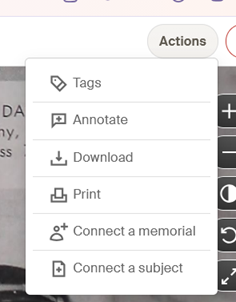
Each image of a page needs to be downloaded separately. You can download the pages that interest you, or for context, all the pages of the book. If there have been any annotations made to the page, you will have the option to download the image with or without annotations made by other users. Although I consider the annotations to be important part of this platform, when I downloaded images with the annotations they appeared across the page, obscuring parts of it. The filename for an image that included the annotations also had a less than useful name. I recommend keeping track of the annotations that apply to your search targets separately.

You will be asked to select the download format. JPG is always offered, but in some cases there is the option to download the image as a PDF file.


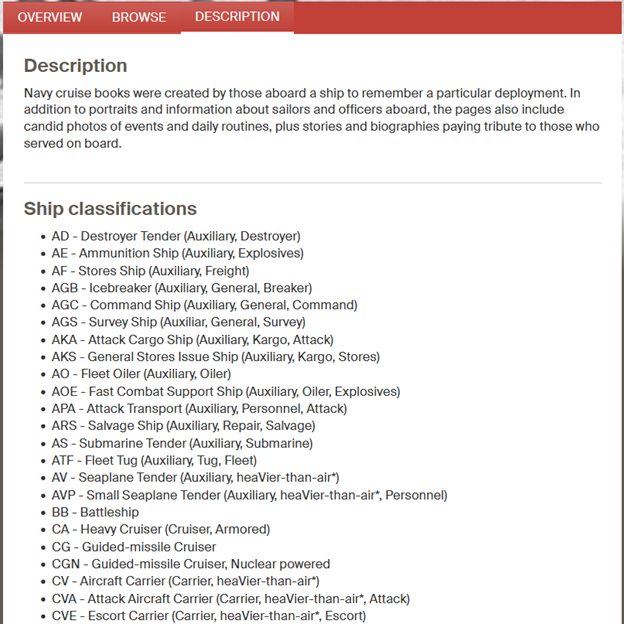
You can also browse from the Publication page where you can filter on the names of the ships. Scroll down in the Ship (Classification) Column to view the names of the ships included in the Publication.
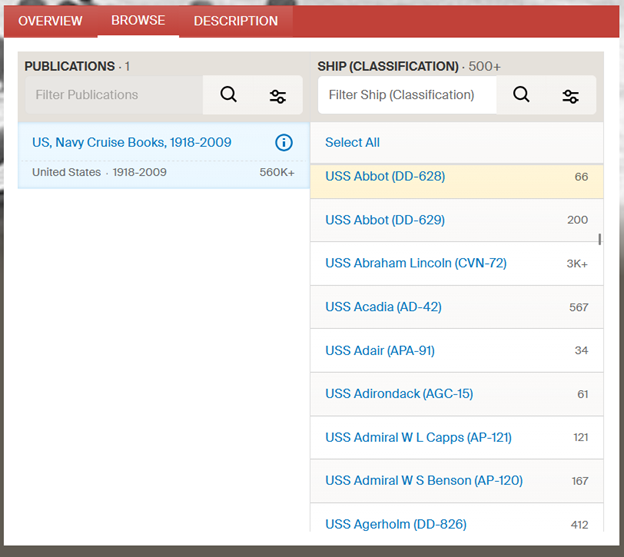
Select the Description tab to see the Ship classifications.

You can also search for the names of Sailors and Marines that appear in the pages of these cruise books. In the Publication page search box, or on the search page.

Example: Vietnam War
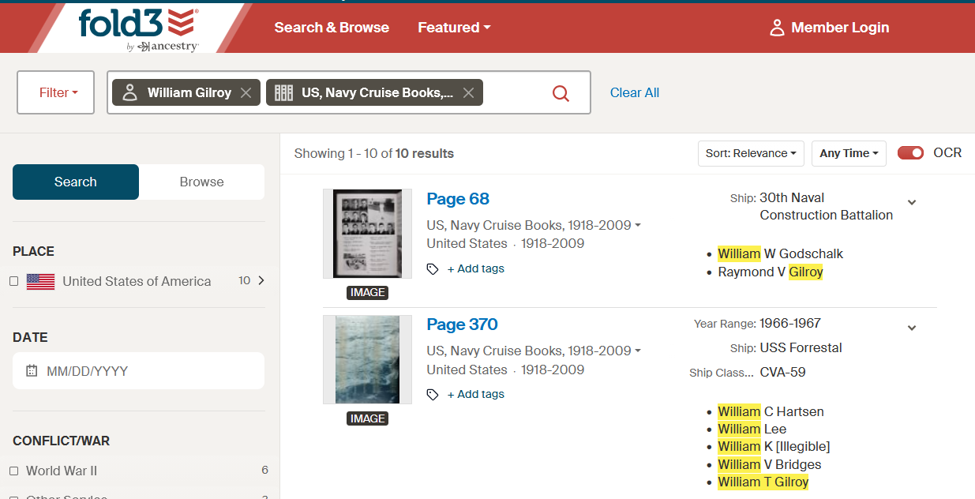
Fold3 search results for Sailor's name


The second result included my cousin’s name. He died in the fire on USS Forrestal 29 July 1967. Two pages listed the 134 sailors who died in that fire. The prior page was in memoriam of those men, and included “The Captain’s Prayer.”
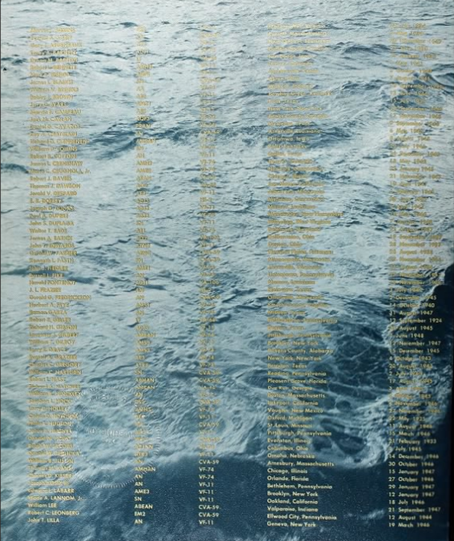
Page from USS Forrestal Cruise Book 1967

Clicking on the filmstrip icon to see the rest of any cruise book is worthwhile. In this case, the events of the day were documented. Among the pages were the messages sent from the other ships, including a British ship and a message relayed from the Brazilian Navy, with sympathies and specific offers of help.

Good luck using these! Let me know how you do.
1945 Morning Reports Are Online…On Fold3

Blog Post Banner 1945 Morning Reports Are Online…On Fold3

1945 morning reports are online now. There are on Fold3, and not in the NARA Catalog. Hold on, don’t panic! In this blog post, I’ll tell you how to search for the Morning Reports, AND remind you of ways to access Fold3 if you do not have a personal subscription. Then there is a little context and when they should appear in the NARA catalogue. Let’s start with where to find Fold3.


Where to Find Fold3

If you are in Maryland, you are set! (NOTE: The subscriptions at any library are not guaranteed to stay the same, so check the libraries yourself.)

Check to see if your Maryland county library has access to the Library Edition of Fold3. In Maryland, Anne Arundel County Public Library, Frederick County Public Libraries, Harford County Public Library, and Enoch Pratt Free Library offer it. You should have an Enoch Pratt Free Library card anyhow to use other subscriptions! (Check out www.prattlibrary.org/library-cards and see eCard to apply.) Google how to get a library card from one of these counties.  For example, I can use my Anne Arundel County Public Library card to access Fold3 from home, but you need to check if your library allows access from home.

If your county in Maryland does not offer access to Fold3, you can get a library card from any other county in Maryland and access it using that card number. Always be sure to get an actual library card number from the other country.

If you live outside of Maryland, check your county library’s genealogy resources for Fold3. If your county does not have it, check the policies for getting a library card from a library in your state that does have it. Speak to your local Librarian – they are incredibly helpful, and you might want to find out how to voice your opinion about what genealogy databases they should consider!

You can access Fold3 from NARA locations.

You can usually access Fold3 from FamilySearch Centers. (Check with the FamilySearch Center before visiting.)


How to Search Fold3 for 1945 Morning Reports

An easy way to get started is from the Fold3 homepage. What you’ll notice is that these records are 100% complete. They were published on Fold3 on August 19, 2026, and last updated September 30, 2026. (I’ll remind you what that last date might mean later on.)

NOTE: On Fold3, you can search in many different ways. This is just one of them.

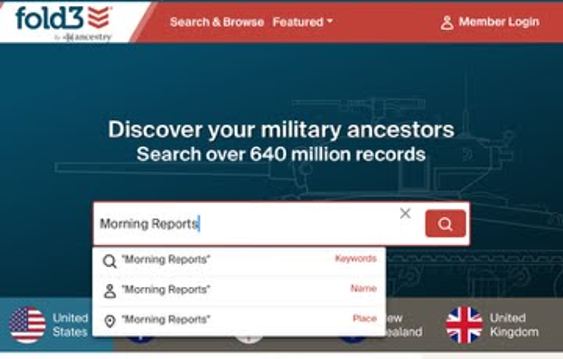
Start at the Fold3 homepage. Type morning reports in the search box, and select Keywords from the drop-down menu.

Search Fold3 Homepage for Morning Reports

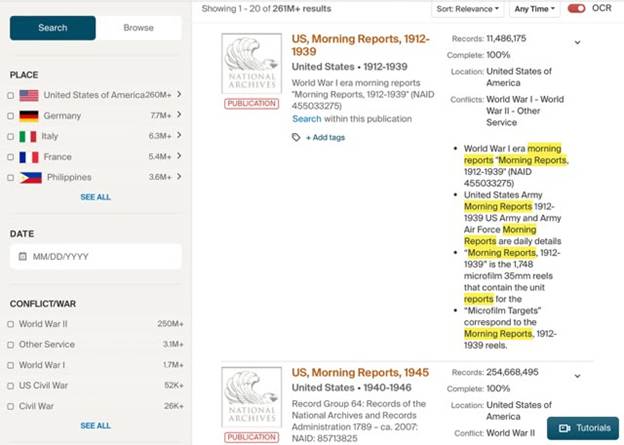
The search results will have two Publications of Morning Reports. You’ll want to look at the publication: US, Morning Reports, 1945.

Search result from Home Page for Morning Reports

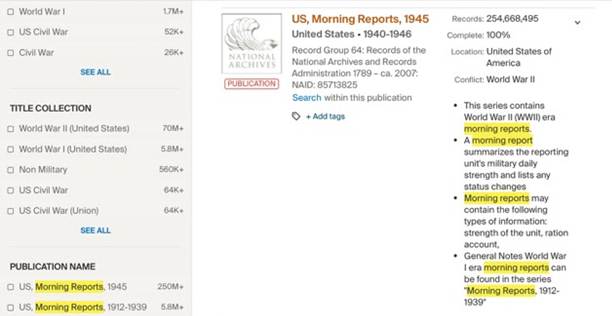
The search result to select is the Publication: US, Morning Reports, 1945.

Morning Reports 1945 Publication

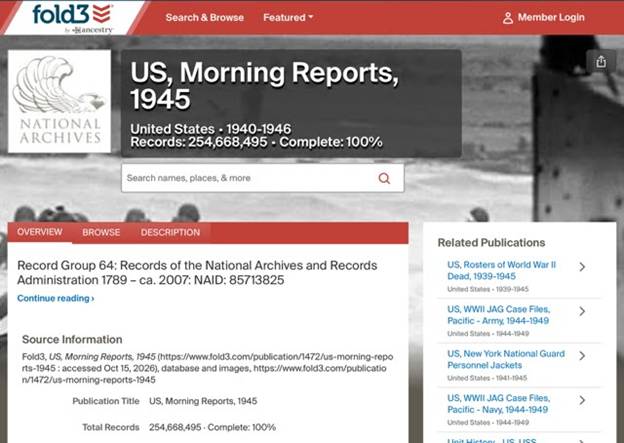
Even though the description gives 1940-1946, the Publication name contains only 1945.

US Morning Reports 1945 Publication Page

In the search box on the publication page, I entered my search terms: James C McMahon and selected Name from the dropdown menu when it appeared.

I had several results that were for this soldier right away.

Remember to use the Actions button for downloading them.

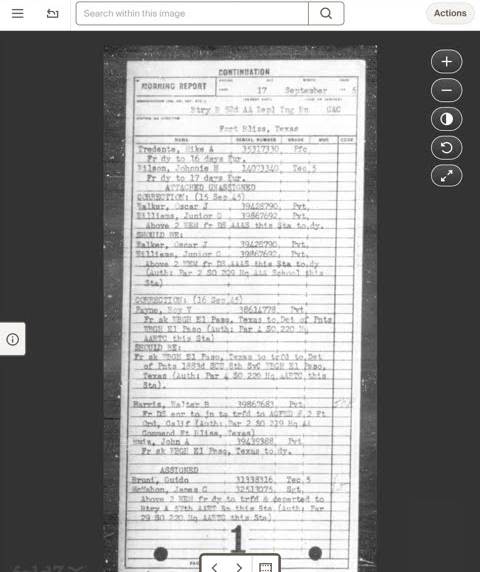
Search result Morning Report

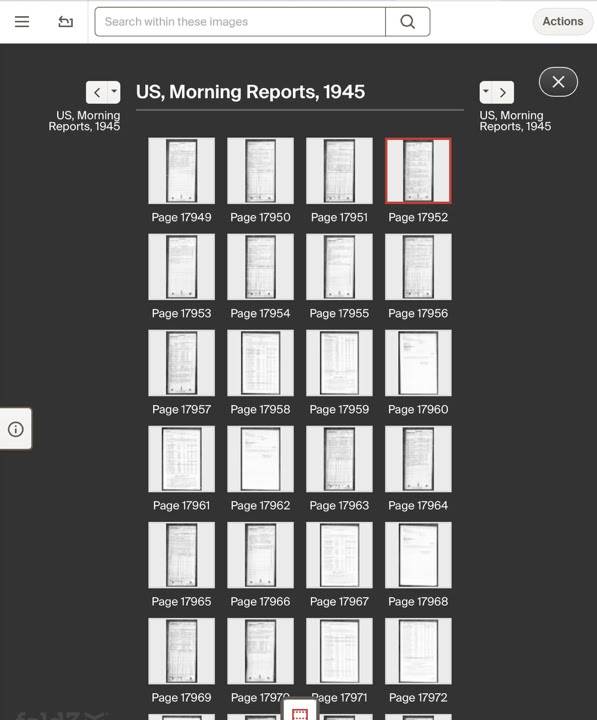
Clicking on the film strip icon lets you view the other Morning Reports. You have to download them one at a time.

Results in their film strip

NARA Digitization Agreements

(NOTE: I am not a lawyer, I don’t play one on TV, and this is not intended to be legal advice or opinion. The following contains links where you can learn the details of NARA’s Digitization Partnerships.)

Having digitization partners can speed up the effort to scan and get records online. It can stretch the financial and personnel resources of NARA. In this case, although Fold3 is a subscription database, it is one that can potentially be accessed through a library.

For a list of Microfilm Publications and Original Records Digitized by NARA’s Digitization Partners, https://www.archives.gov/digitization/digitized-by-partners.

NARA Principles for Partnerships to Digitize Archival Materials are at https://www.archives.gov/digitization/principles.html.

To learn more about the NARA Digitization Partnerships and to read the agreements, visit https://www.archives.gov/digitization/partnerships. In the The Ancestry.com Letter of Intent (2024) Item (2)(e)(iv) shows the WWII US Army Morning Reports.

This Publication was last updated on September 30, 2026, and it is 100% Complete. By the NARA digitization agreements with its digitization partners, the digitization partner is has exclusive use of the images for an embargo period, “the period of five years, which begins on the first of January after the end of the scanning phase for the Digital Images covered by a Project Plan or segmented portion of a series of Digital Materials in a Project Plan, within which all Digital Materials for that series or segmented portion created by Ancestry will be published exclusively by Ancestry.” (Ancestry.com Partnership Agreement)

“If resources permit, we will try to make the digital materials available in our online catalog within the same year they are no longer in the embargo period.” (“NARA Principles for Partnerships to Digitize Archival Materials”) So if the effort is complete, the embargo period should begin in January 2027, and we might possibly see the images loaded into the NARA Catalog sometime in 2031. BUT we did not see a year or years of Morning Reports on the Letter of Intent, so we don’t know if 1946 Morning Reports are part of that item. If they are, then start the clock when those go online.

For tonight I will travel back to 1945. Let me know how you do.