NARA II, College Park Visit – Day 1
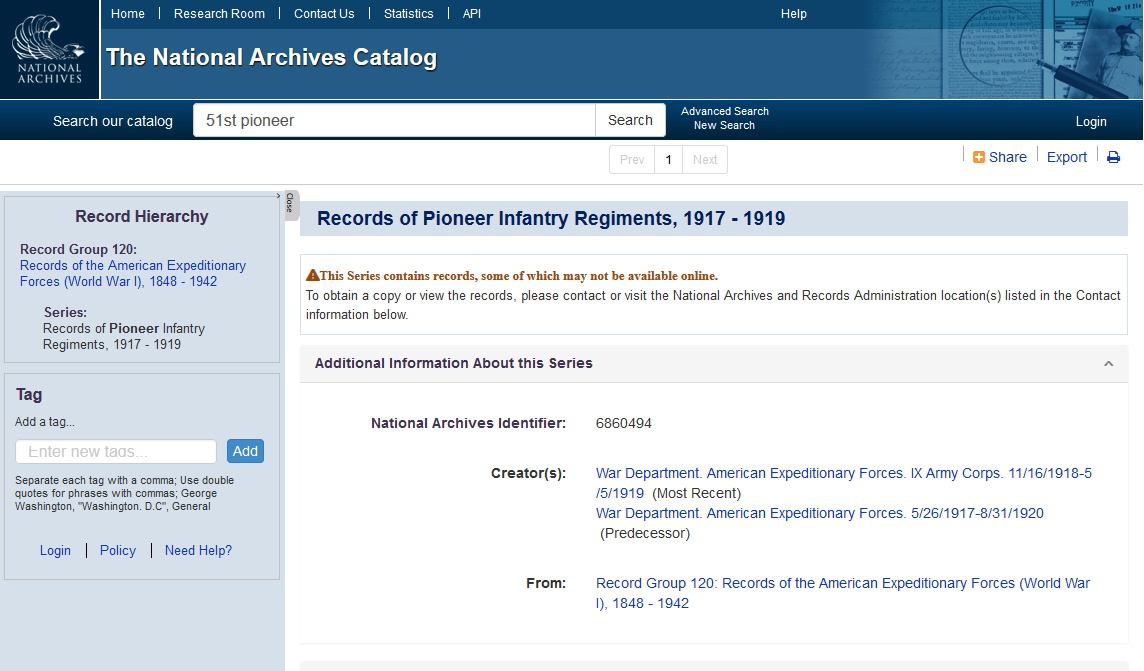
You have to have a clear idea what you are researching. I went in with the topic of the 51st Pioneer Infantry, and brought my homework with me.
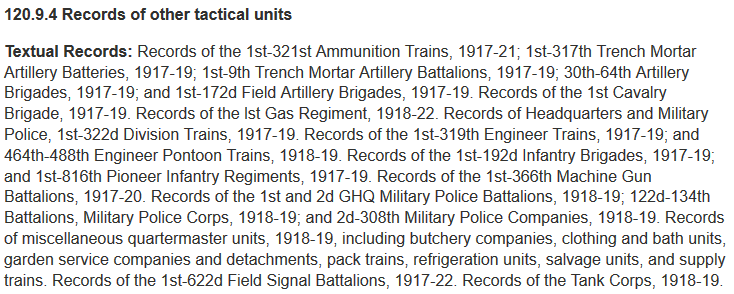
An important number to know before you go is the Record Group. You need to know that the topic numbers do not correspond with the identifying information for the boxes.
A Specialist at the Consultation Room will help you locate the correct binder containing the finding aid for the Record Group.
When you discuss your research interest with the specialist, you may receive suggestions about other record groups of interest. ALWAYS listen.
I went to the Archives in search of RG120. The Specialist recommended that I consider RG165, which is the “Records of the War Department General and Special Staffs”, and showed me the finding aid for that record group.
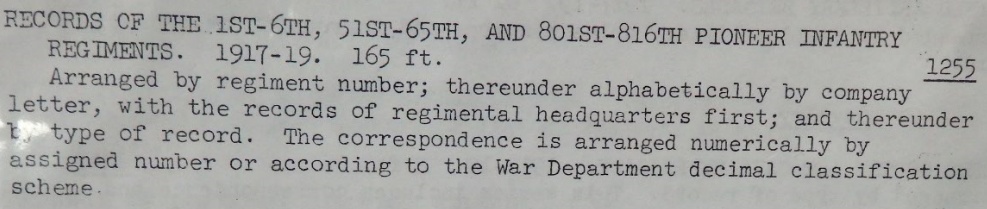
The Specialist helped me fill out the pull slips. Each pull slip requires the initials of a Specialist before the records can be pulled.
The Specialist also suggested that we go up to the 5th Floor to see if there might be any photographs of the 51st Pioneer Infantry.
While we were waiting for the boxes to come up to the Research Room, we did go up to the 5th floor. That room uses an old fashioned card catalog. We asked for and received help to find the one photo related to the 51st Pioneer Infantry. We filled out a pull slip for that photo.
We looked at the five (5) boxes from RG120. They contained correspondence of the 51st Infantry Regiment. We went through the correspondence and documents. There were some interesting documents, like the price list at YMCA canteens and the rules for soldiers riding trains. The infantry had concerns about equipment and building barns for their horses.
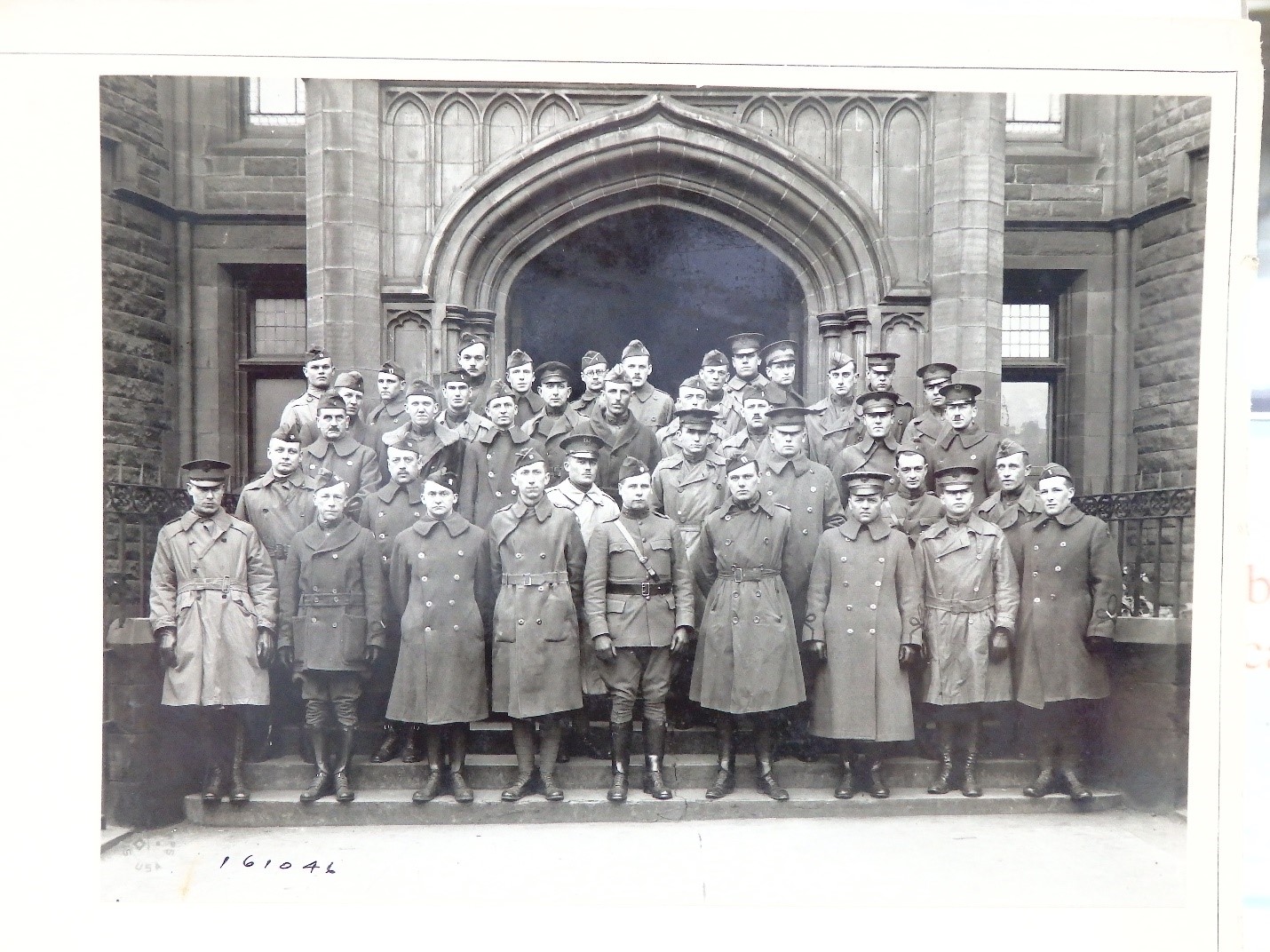
Then it was time to head up to see the photograph. You are given white cotton gloves to wear when you handle a photograph. It was taken on 3/29/19 and was a group of officers who had attended an Arts & Science Course at the University of Edinburgh. One officer, Capt. F. M. Elliott, was from the 51st Pioneer Infantry.
Back at the Research Room on the second floor, we looked at the one box from RG165. The box had some folders with information about the Pioneer Infantry. It also had folders for the 1st Pioneer Infantry, but the last folders in the box were for the 6th Pioneer Infantry. We will need some help to find the box with folders for the 51st Pioneer Infantry.
Day 1 at Home
At home, I did a little research. In “Brief Histories of the Divisions, U.S. Army 1917-1918” on page 30, the 26th Division Contained the 51st Infantry Brigade.
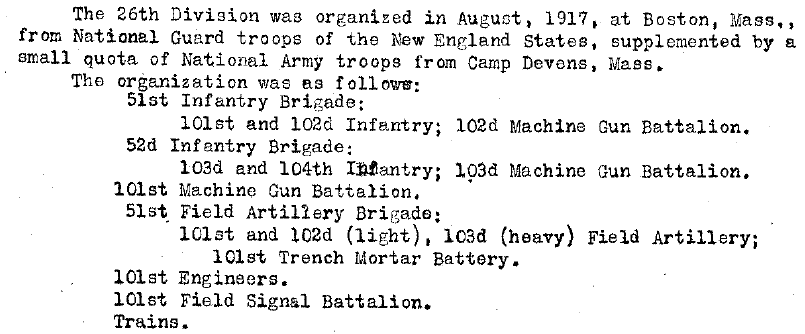
The RG120 boxes we had been looking at were of the 51st Infantry Brigade, not the 51st Pioneer Infantry.
So we will need help finding the correct boxes in RG120, too.