3 Reasons to Post on a Message Board

If you have attended one of my classes about using social media or beginning genealogy, you know that I always recommend reading and posting in message boards. My favorite is boards.rootsweb.com which is also tied to boards.rootsweb.com. All of the boards are searchable, so only put your post on one board.


1. Organizing material helps you understand it

I have always my college and graduate students to send the questions that they had outside of the classroom in an e-mail. The act of reviewing the material and formulating a question makes your brain actively engage with the problem. This may cause you to have additional insights and ask new questions that lead to solutions.


2. People you don’t know may be able to help

There may be people out there who hold the answer to your questions, or know how to find them. Those cousins you have not met yet might have vital records, bibles, pictures of other memorabilia. Others who read the message boards understand the location, the records that are available and how to search for them.


3. Putting your request online is cousin bait

When a cousin you do not know yet searches for the names and places of your common ancestor, your post will be in the results. Message boards can be searched for keywords, and can also be located using Google searches.


An example:

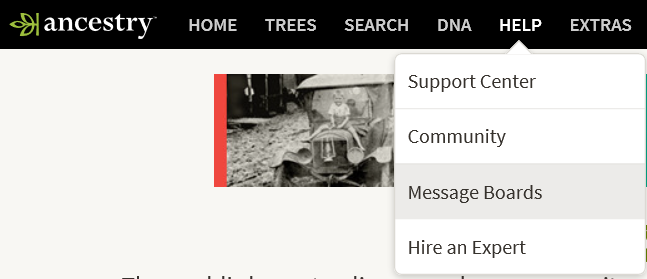
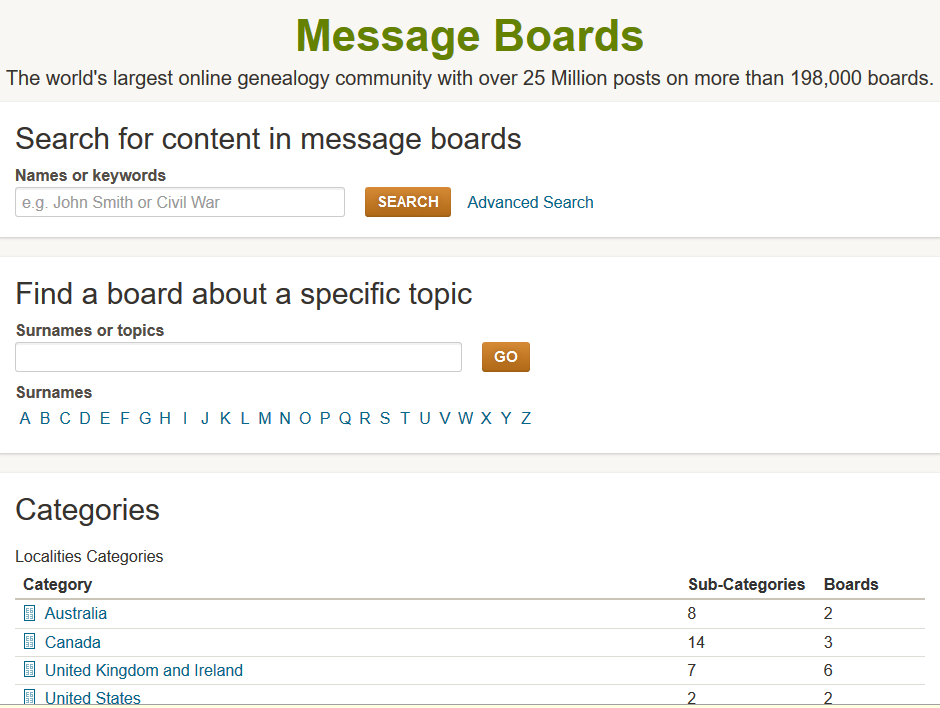
Whether you enter through Ancestry.com or Rootsweb, the interface and the message board is the same.


message board - 1


If you are already signed into Ancesty.com

Help -> Message Boards


message board - 2


Remember to search the message boards for your family members. There may be a post waiting for you!

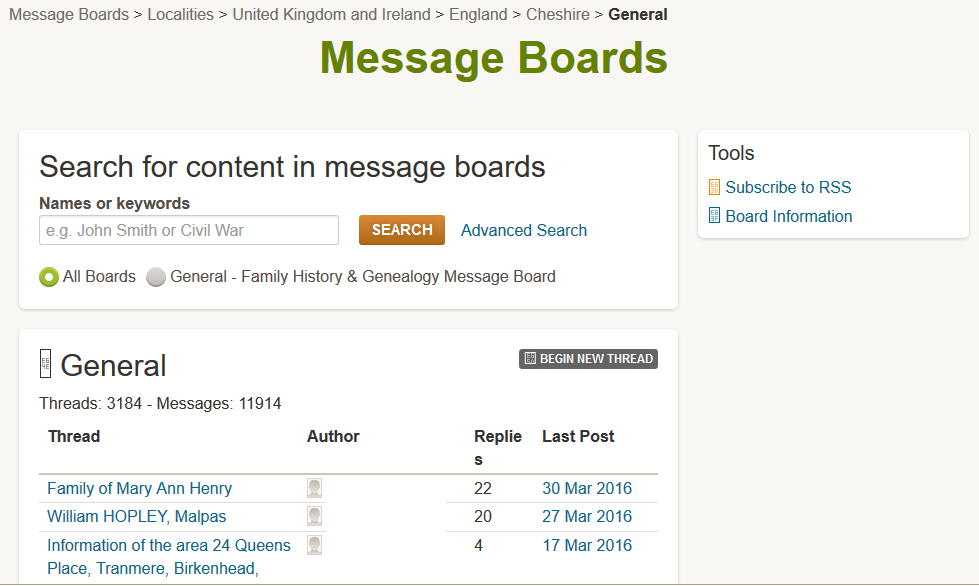
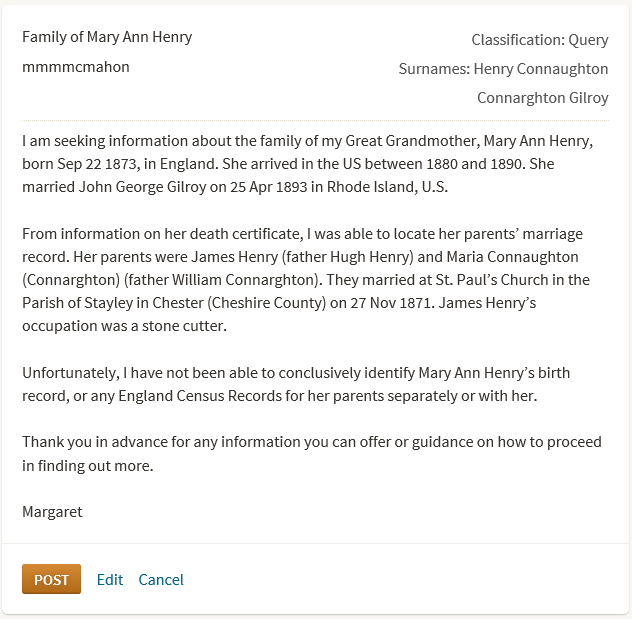
A search of the surname message boards yielded no good leads. The surname is common. I elected to make a post in the threads for a place rather than a surname. So I checked the message boards for the location I knew for one of the family’s events, in the United Kingdom and Ireland, England, Cheshire, and put my post in the General message board.


message board - 3


I clicked on BEGIN NEW THREAD and entered my post.


message board - 4


Things to include in your post:

  • Tell people what you are looking for
  • Keep your post brief and direct
  • Keep your post informative
  • Include family structure for potential matching
  • Include other key information

CAVEAT: Not all message posts are answered within hours. Make your post and be patient.

Good luck posting and let me know how you do!


Sending A Spouse to Rootstech

What if you can’t make it to Rootstech? What if your spouse is in Salt Lake City on business that week? Send the spouse!

OLYMPUS DIGITAL CAMERA

I put together a binder for him to bring. It included:rootstech - findmypast -IMG_0280

  • His electronic receipt for the keynote / vendor hall ticket
  • A list of the vendors, with notes about which ones to visit
  • His pedigree chart
  • His line of descendancy from Mayflower passenger Stephen Hopkins

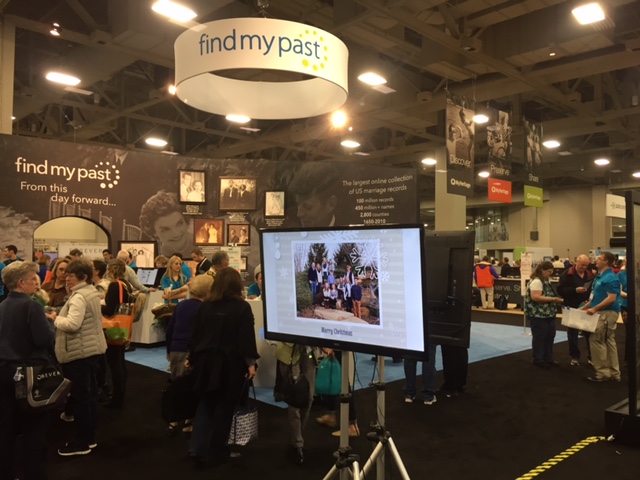
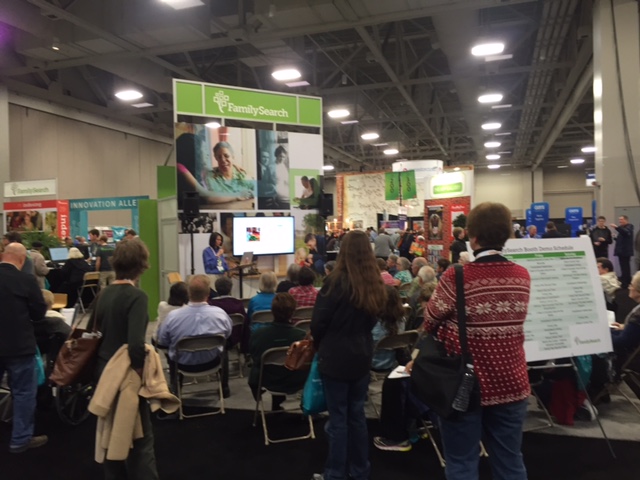
rootstech - famlysearch -IMG_0281My guidance for him was to check out the new products, take pictures and check out the product offerings and special sales.

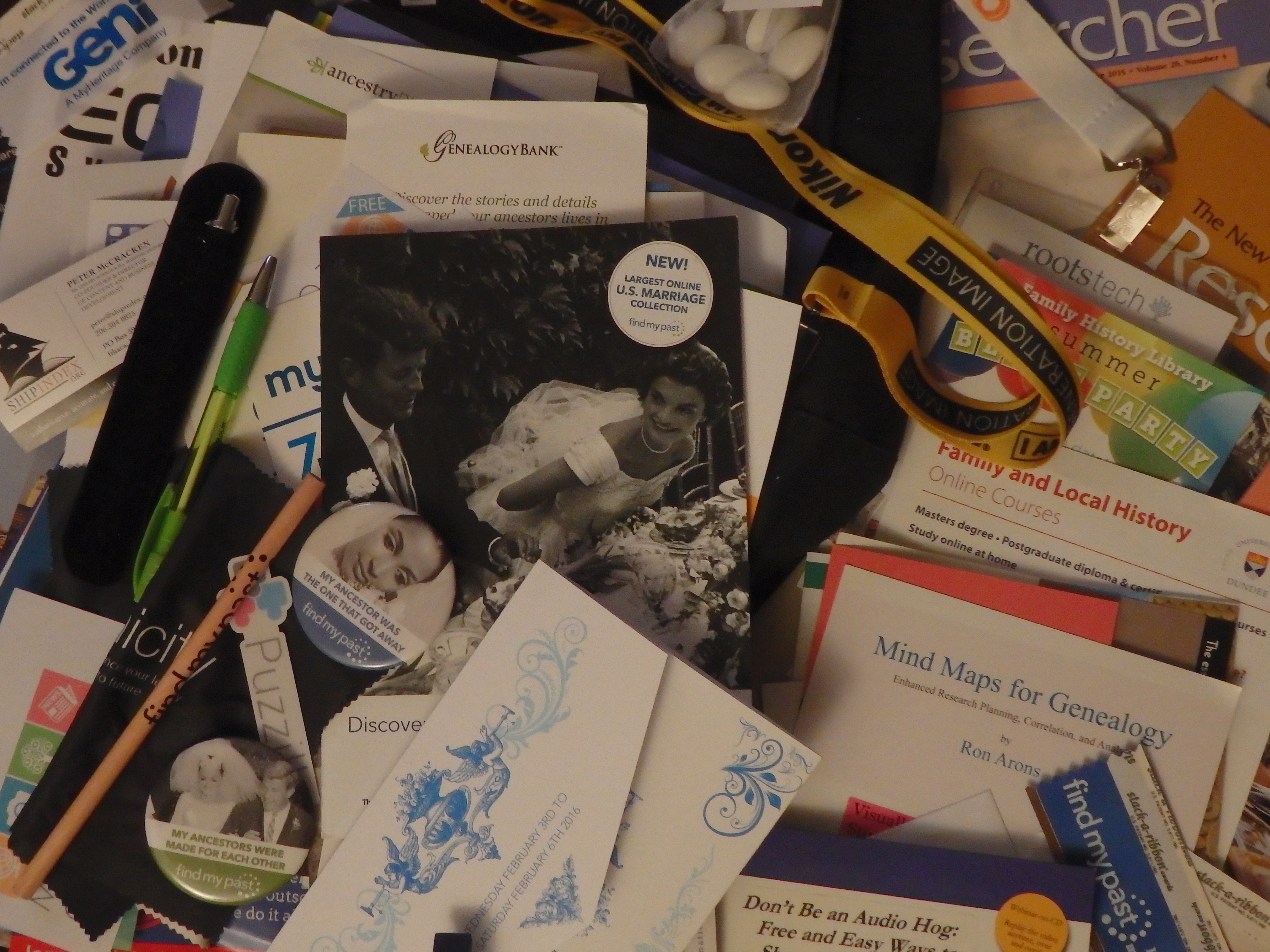
While he walked around the vendor hall, he sent pictures. He also called to see if I needed the items on sale, or needed more information. The calls and pictures really were the next best thing to being there.

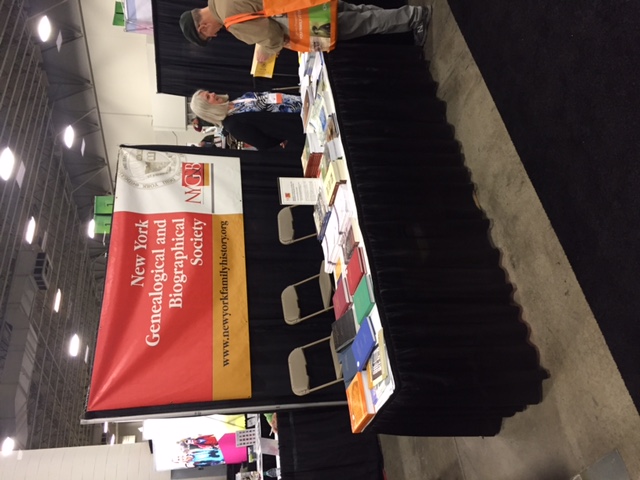
He followed those instructions, and collected a bag crammrootstech - NYGBS -IMG_0283ed full of information, bags and items given away at the vendor tables. He clearly enjoyed his time in the vendor hall.

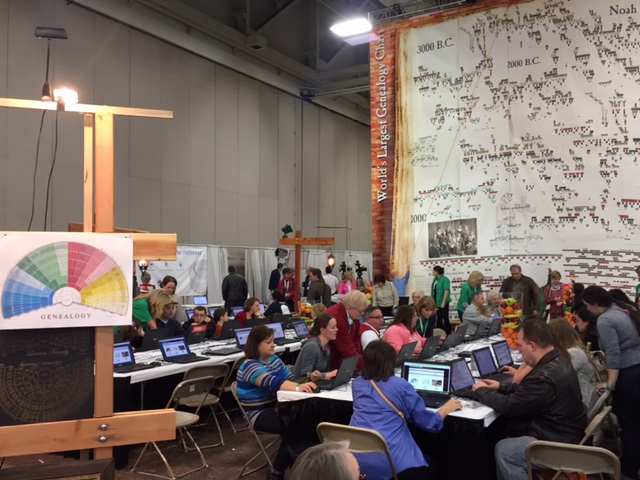
Perhaps he was inspired by the beautiful family charts when he bought a printer capable of printing 12″ x 12″ sheets.  He mentioned that it would be good for printing fanrootstech - worlds largest -IMG_0286 charts and other family history. Is it possible he is hooked?

5 Questions with the DC Metro Rootsmagic User Group Leader, Dr. Margaret Ezell

Recently I asked Dr. Ezell to answer a few questions about her favorite genealogy software program, Rootsmagic.


1. Why should a genealogist use a genealogy software program?

My biggest reasons for using a genealogy software program are:

  • Good software programs like RootsMagic make it easy to share information. Some also have iPad, or Smartphone versions.
  • The mistakes in my database are my own, and all changes are mine.
  • I decide when something is proven, when I have enough sources, and who is related to whom.

There are two types of genealogy/family history programs, those that run in the cloud and those that run on your home computer. Example programs on the Cloud are Ancestry, FindMyPast, and MyHeritage. They are easy to share with others. Example software program that run on your computer (PC or MAC) are RootsMagic, Legacy, Family Tree Heritage, Family Tree.

When I use collaborative online family trees, such as Family Search, other users can change the entries. Example: My great grandfather’s name was James Reeves Watson, the Clerk of Court in Claiborne Parish, LA. Every document we have has his full name. One of my unknown relatives decided to wipe out his full name and put in just JR Watson. I had to go back into FamilySearch and put in his full name, documented. He could have had a nickname of JR, but my mother at 99 had never heard her grandfather called that. She had been very close to him.

The same thing happens when you use any of the online program and you don’t make your file PRIVATE! But you don’t want to make it private so you can find new relatives and researchers. That is the oxymoron for researchers! So have your own copy offline!


2. What genealogy software programs have you used?

RootsMagic (several versions including the latest: RootsMagic 7). It works with Windows 10, 8, 7, 2000, and Mac OS X

Broderbund Family Tree Maker

Legacy

PAF (Personal Ancestral File), which is no longer supported by FamilySearch as of JULY 15, 2013.


3. Why do you recommend using RootsMagic?

It works/synchs/searches/imports directly with FamilySearch and soon it will with Ancestry.

Later this year, RootsMagic users will have access to Ancestry’s huge collections of records and members’ trees. With this new association, comes the ability to use the hints (Shaky Leaves). This will be in addition to the Hints from FamilySearch and MyHeritage.
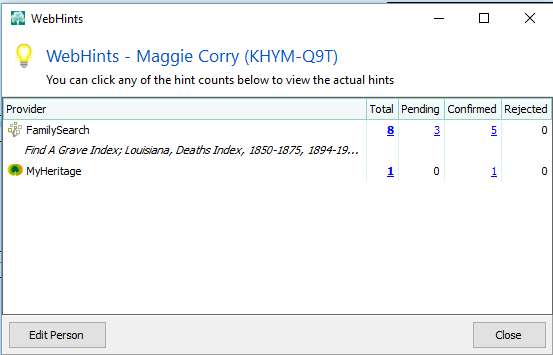
Ezell - Rootsmagic - 1


4. Is there a great feature of RootsMagic that people should be using and don’t?

There are several that I love besides the HINTS:

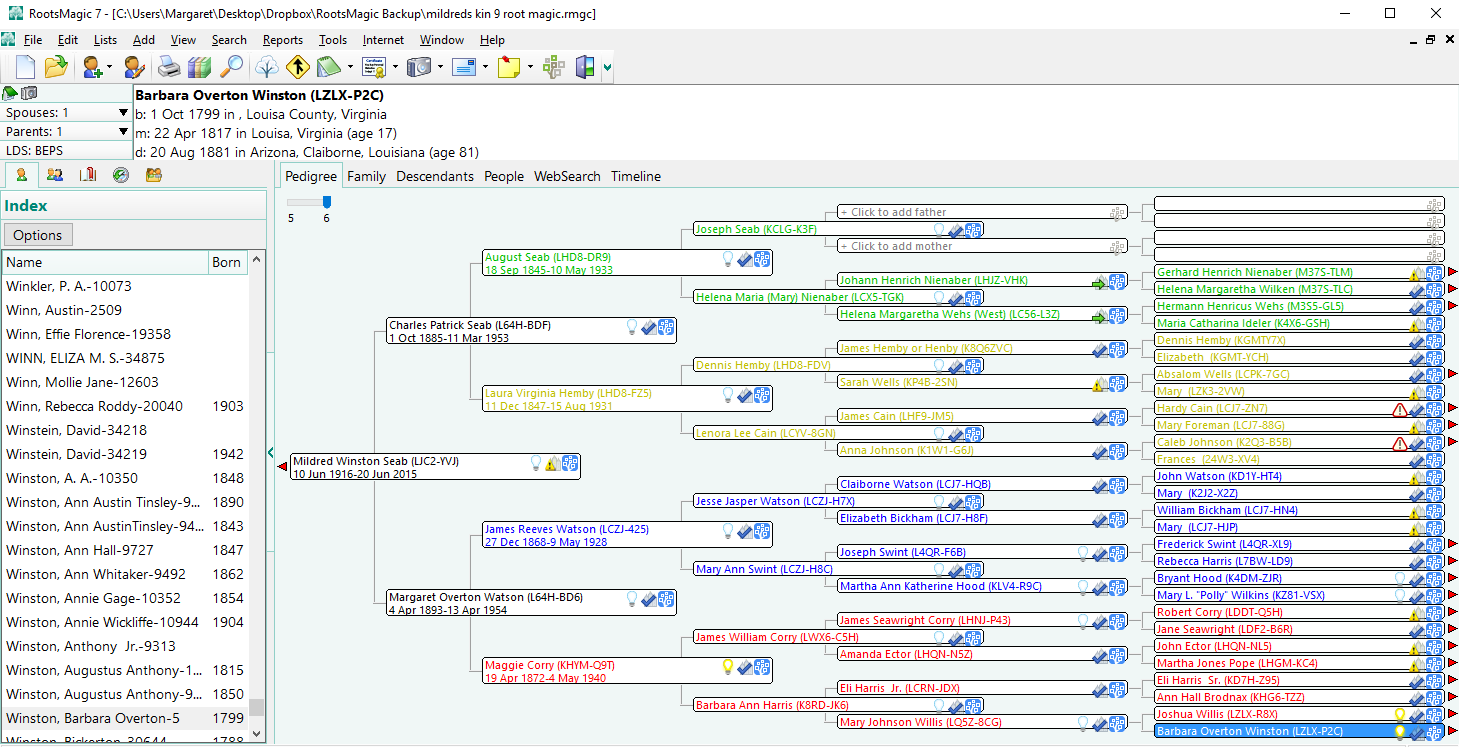
Color Coding people and lines. You can use the color coding to highlight those who want work on or highlight you problem people for whom you need more documentation.
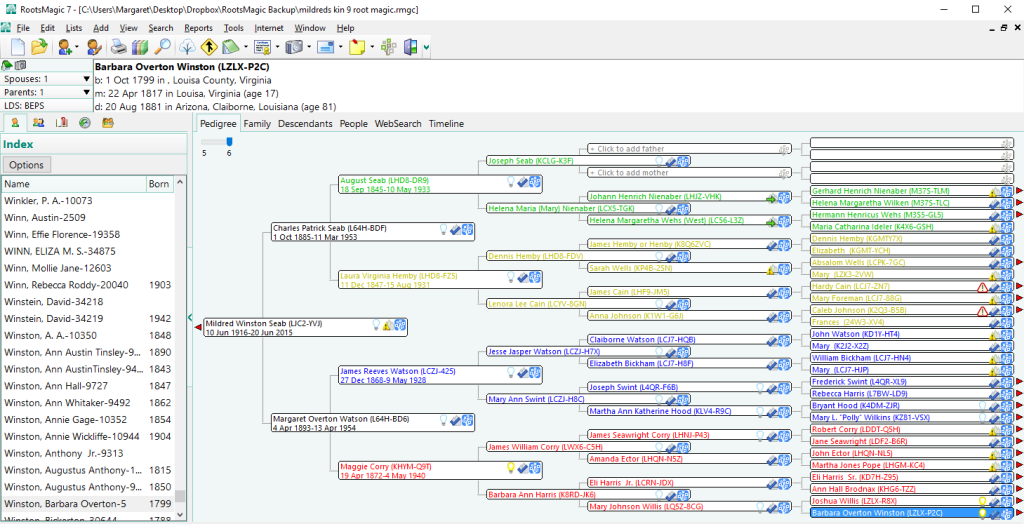
Ezell - Rootsmagic - 2

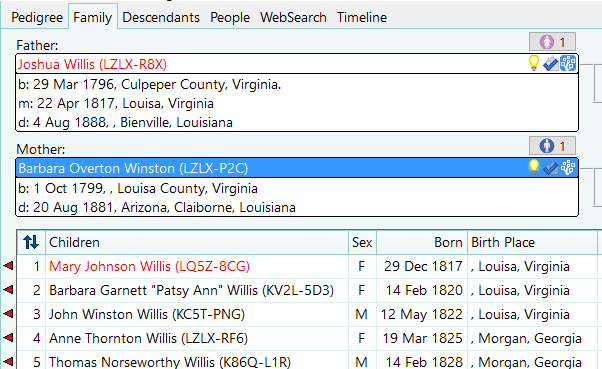
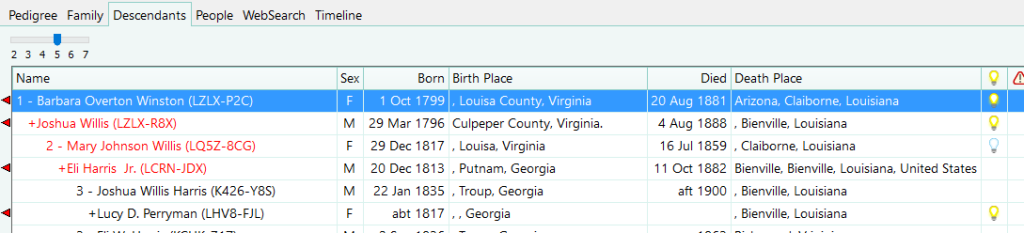
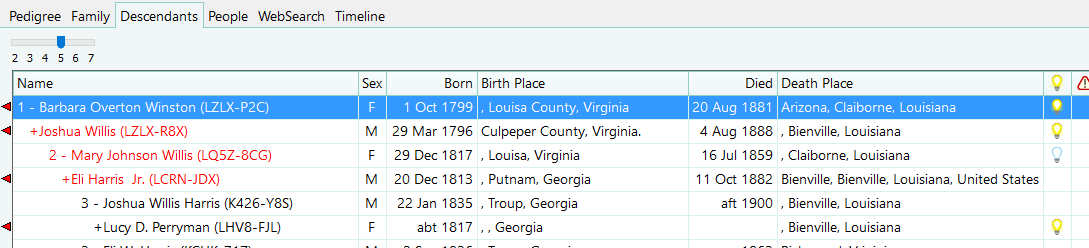
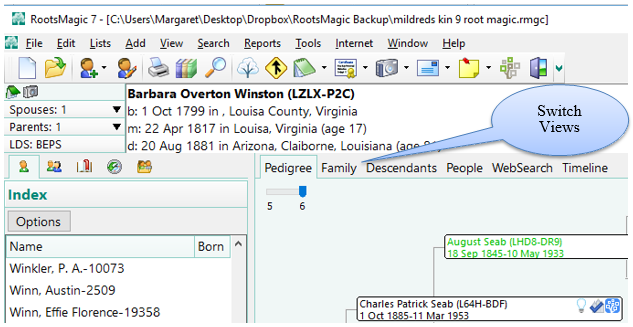
Switching Views from Pedigree to Family to Descendants to People, WebSearch, Timeline.
Ezell - Rootsmagic - 3-

Ezell - Rootsmagic - 5


Ezell - Rootsmagic - 6


5. How can participating in a user group help a genealogist?

You can ask your specific questions or ask for a demonstration from other members. A current example topic is: Help for moving data from Family Tree Maker to RootsMagic.

Each month our RootsMagic User Group tries to have a lesson of some type. Researchers new to RootsMagic 7 may have challenges learning how to enter source citations into RootsMagic, so I thought I would show how I enter a new source and then create a citation, with the Evidence Explained source templates, and with a free-form template (in a later post in this series).This past month we were going through lesson on Creating Source Citations in Rootsmagic 7 from Randy Seaver’s Blog at Genea-Musings. You can view these blog posts here.


About the Metro DC Rootsmagic User Group

The Metro DC RootsMagic User Group meets at Washington DC Family History the 2nd Saturday of each month at 9:30 a.m. except when major Genealogy Conference are the same weekend. Everyone is invited to attend.  After the RootsMagic / Ancestry announcement there have been a lot of new users, so we have gone back to a lot of the basics at the meetings.  We have a free-for-all question session after the lesson.


Margaret P. Ezell, Ph.D.


As far back as Margaret Ezell can remember, she was taken to research libraries, courthouses, and to visit family members to gather family history information. Margaret’s mother, Mildred Ezell – (who died in 2015 at 99 yrs. and 10 days) became a genealogy enthusiast more than 63 years ago. Margaret remembers at about age 9, going to courthouses in Georgia and South Carolina. “There was one bare 40-watt bulb dangling from the ceiling, damp walls, boxes of stinky old records, and bug parts in the basement room where Mom copied records (no Xerox machines then). We took our own lightbulb -100-watt. Mom had me copy records until lunchtime when the movie matinee opened and I ran like the wind to get out of the courthouse.”

Having stood with her Mother for 3 days at the copier straight at the University of North Carolina Chapel Hill Wilson Library Manuscript Room, she is now glad to have so many digitized online records. Her computer skills were used to train her Mom to use the computer at 70 years of age. She wrote more than 15 genealogy books that Margaret edited, formatted and prepared the text and photos for camera-ready copy for publishing. The books are all on her family – mainly southern roots – Corry, Brodnax, Watson, Cain, Seab, Swint. She and her Mom submitted over seven (7) thousand records to the FamilySearch.

Margaret has a Ph.D. from Michigan State University in Family Finance and has worked in the financial and information technology arenas for over 15 years. Margaret is a Seneca Stake Family History Consultant and one of the founders of the DC Metro RootsMagic User Group which meets the 2nd Saturday of every month at the DC Family History Cente

Google is shutting down Picasa

Google is shutting down Picasa in favor of Google Photos

Yesterday Google announced that it is shutting down Picasa in favor of Google Photos.
Standby, the changes will begin starting May 1, 2016.

Here are your options:

1) Login to Google Photos and your pictures will be there.

2) If you do not want to use Google Photos, there will be a new place created for you to access your Picasa Web Albums data. You can view/delete/download your albums from this new place, but you will not be able to create/organize/edit your albums. That means you will still be able to access them, but you cannot manipulate them.

For those using the Desktop Picasa application, it will no longer be supported after March 15, 2016. That means it will still work on your desktop, but the program will not be updated in the future.

You can read the announcement at:
http://googlephotos.blogspot.com/2016/02/moving-on-from-picasa.html

Reprieve of Family Tree Maker and More

Ancestry.com made an exciting announcement of interest to Family Tree Maker and RootsMagic alike.

1) Family Tree Make will live on! Software MacKiev, the six-year developer of Family Tree Maker, will be taking the software line into the future on both Mac and PC platforms.

2) By the end of 2016, Rootsmagic will be able to connect Ancestry.com for hints and searches. You will also be able to sync your tree on Ancestry.com with your desktop RootsMagic program.

To read more:

New Family Tree Maker Options

RootsMagic and Ancestry: Working Together at Last

5 NARA Resources for WWI Research

The National Archives and Records Administration (NARA) has many resources for you to research context for your WWI ancestors. Some of them are online.

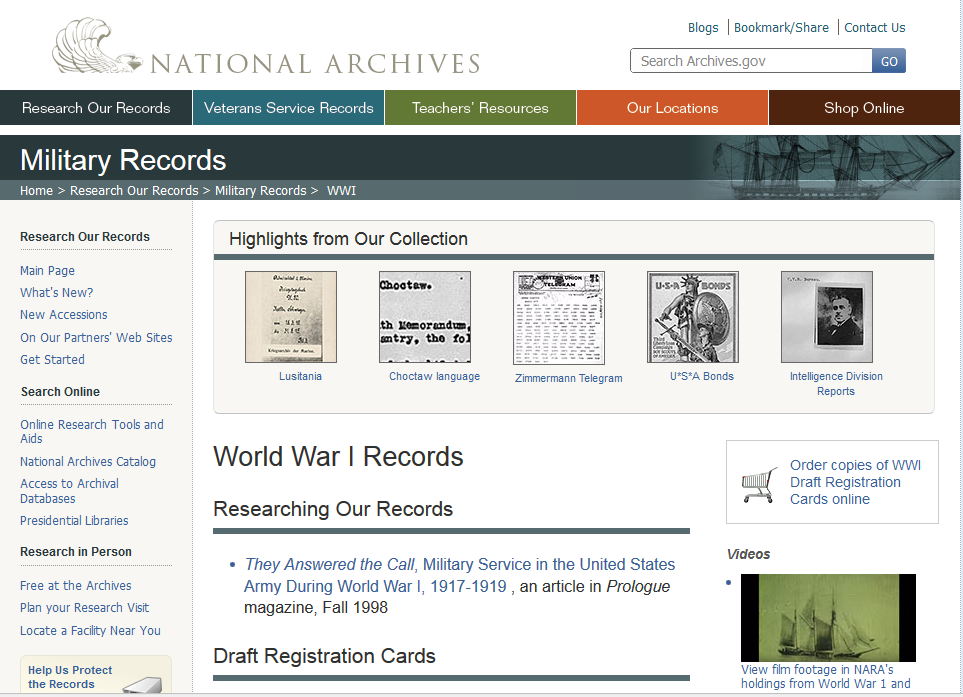
  1. This is the place for you to begin researching NARA’s World War I Records. This page also includes links to the digitized versions of some of the most requested historical documents.


NARA-wwi-1


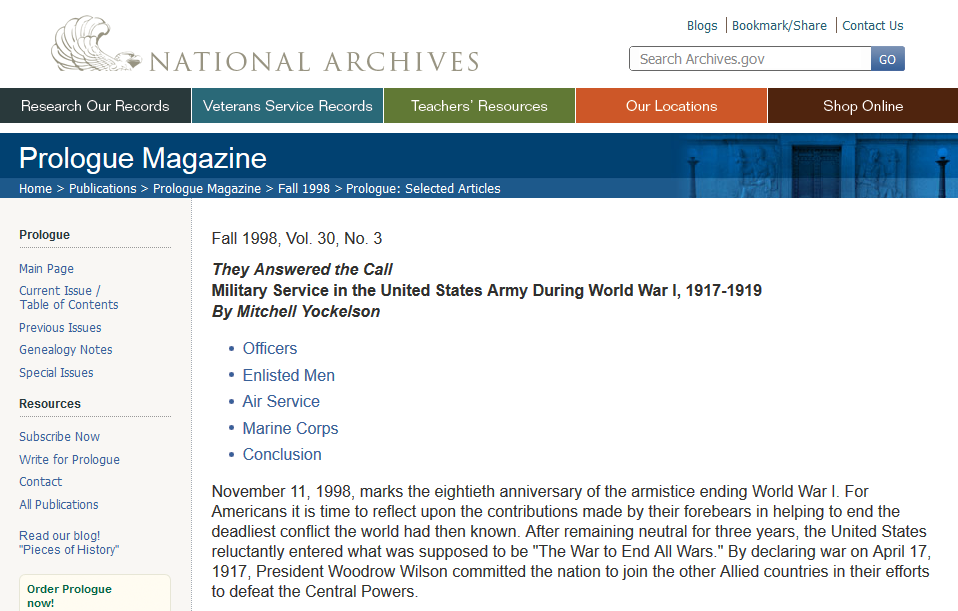
  1. Read an article in NARA’s Prologue magazine about finding your WWI Army ancestors. They Answered the Call, Military Service in the United States Army During World War I, 1917-1919 by Mitchell Yockelson in Prologue Fall 1998, Vol. 30, No. 3.


NARA-wwi-2


  1. If your ancestor was in The Spruce Production Division, gathering trees for building airplanes, you can learn more about it in GENEALOGY NOTES: THE ARMY in THE WOODS, Records Recount Work of World War I Soldiers In Harvesting Spruce Trees for Airplanes By Kathleen Crosman.


  1. Learn about how NARA is preserving movies about the Great War is discussed in Saving the Moving Images of World War I (Fall 2014) – The National Archives preservation staff is digitizing World War I motion pictures.


  1. Now that you know about NARA preserving the WWI films, you can check out the digitized films from World War I and World War II on YouTube

NARA-wwi-3