1945 Morning Reports Are Online…On Fold3
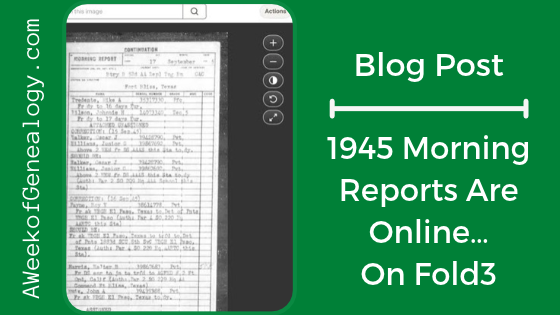
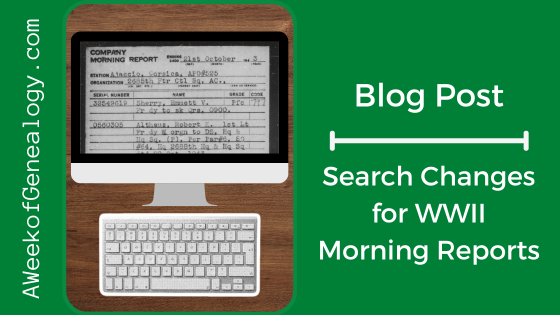
1945 morning reports are online now. There are on Fold3, and not in the NARA Catalog. Hold on, don’t panic! In this blog post, I’ll tell you how to search for the Morning Reports, AND remind you of ways to access Fold3 if you do not have a personal subscription. Then there is a little context and when they should appear in the NARA catalogue. Let’s start with where to find Fold3.
Where to Find Fold3
If you are in Maryland, you are set! (NOTE: The subscriptions at any library are not guaranteed to stay the same, so check the libraries yourself.)
Check to see if your Maryland county library has access to the Library Edition of Fold3. In Maryland, Anne Arundel County Public Library, Frederick County Public Libraries, Harford County Public Library, and Enoch Pratt Free Library offer it. You should have an Enoch Pratt Free Library card anyhow to use other subscriptions! (Check out www.prattlibrary.org/library-cards and see eCard to apply.) Google how to get a library card from one of these counties. For example, I can use my Anne Arundel County Public Library card to access Fold3 from home, but you need to check if your library allows access from home.
If your county in Maryland does not offer access to Fold3, you can get a library card from any other county in Maryland and access it using that card number. Always be sure to get an actual library card number from the other country.
If you live outside of Maryland, check your county library’s genealogy resources for Fold3. If your county does not have it, check the policies for getting a library card from a library in your state that does have it. Speak to your local Librarian – they are incredibly helpful, and you might want to find out how to voice your opinion about what genealogy databases they should consider!
You can access Fold3 from NARA locations.
You can usually access Fold3 from FamilySearch Centers. (Check with the FamilySearch Center before visiting.)
How to Search Fold3 for 1945 Morning Reports
An easy way to get started is from the Fold3 homepage. What you’ll notice is that these records are 100% complete. They were published on Fold3 on August 19, 2026, and last updated September 30, 2026. (I’ll remind you what that last date might mean later on.)
NOTE: On Fold3, you can search in many different ways. This is just one of them.
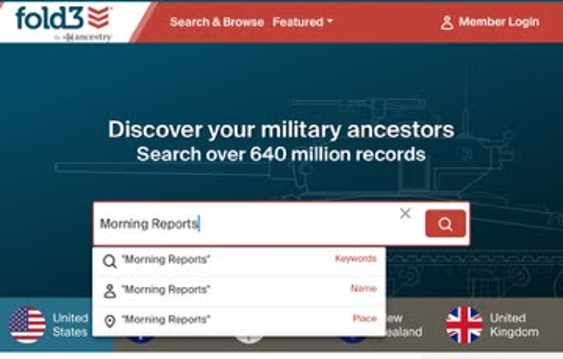
Start at the Fold3 homepage. Type morning reports in the search box, and select Keywords from the drop-down menu.
The search results will have two Publications of Morning Reports. You’ll want to look at the publication: US, Morning Reports, 1945.
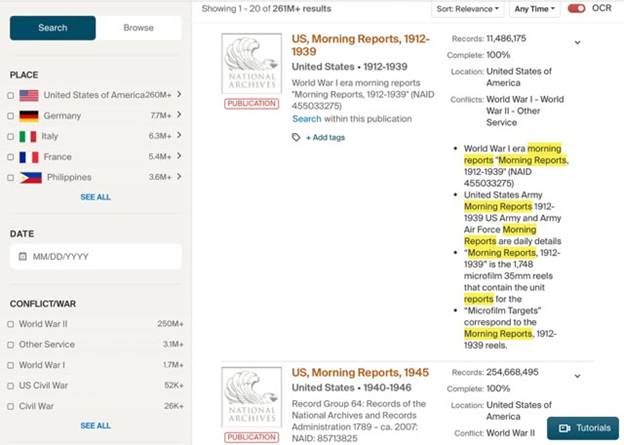
The search result to select is the Publication: US, Morning Reports, 1945.
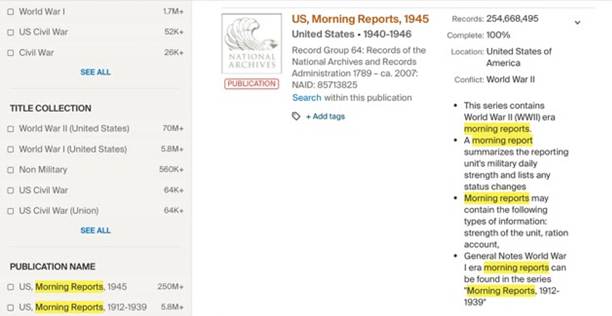
Even though the description gives 1940-1946, the Publication name contains only 1945.
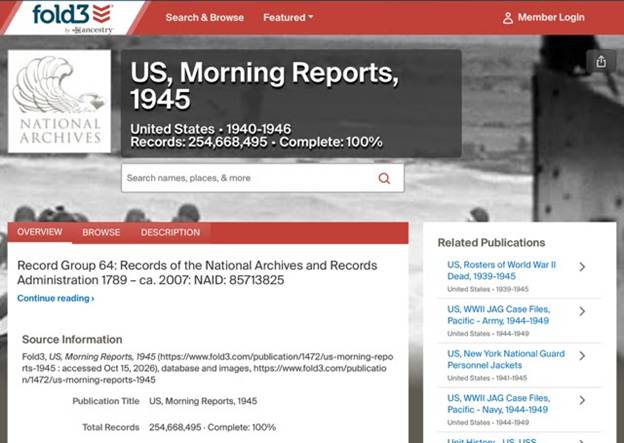
In the search box on the publication page, I entered my search terms: James C McMahon and selected Name from the dropdown menu when it appeared.
I had several results that were for this soldier right away.
Remember to use the Actions button for downloading them.
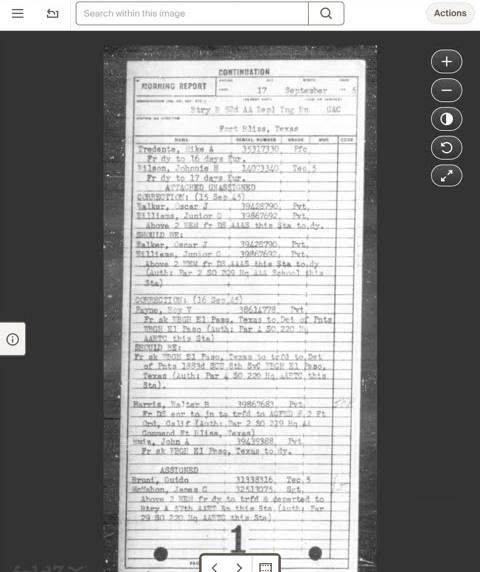
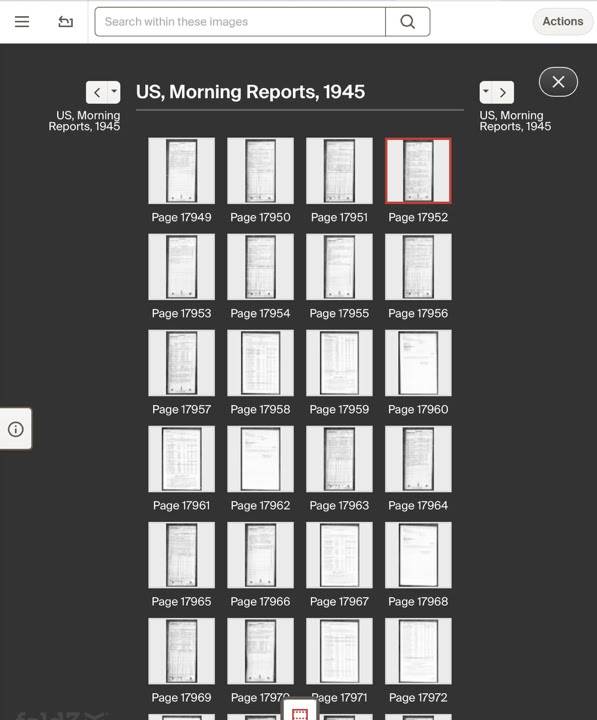
Clicking on the film strip icon lets you view the other Morning Reports. You have to download them one at a time.
NARA Digitization Agreements
(NOTE: I am not a lawyer, I don’t play one on TV, and this is not intended to be legal advice or opinion. The following contains links where you can learn the details of NARA’s Digitization Partnerships.)
Having digitization partners can speed up the effort to scan and get records online. It can stretch the financial and personnel resources of NARA. In this case, although Fold3 is a subscription database, it is one that can potentially be accessed through a library.
For a list of Microfilm Publications and Original Records Digitized by NARA’s Digitization Partners, https://www.archives.gov/digitization/digitized-by-partners.
NARA Principles for Partnerships to Digitize Archival Materials are at https://www.archives.gov/digitization/principles.html.
To learn more about the NARA Digitization Partnerships and to read the agreements, visit https://www.archives.gov/digitization/partnerships. In the The Ancestry.com Letter of Intent (2024) Item (2)(e)(iv) shows the WWII US Army Morning Reports.
This Publication was last updated on September 30, 2026, and it is 100% Complete. By the NARA digitization agreements with its digitization partners, the digitization partner is has exclusive use of the images for an embargo period, “the period of five years, which begins on the first of January after the end of the scanning phase for the Digital Images covered by a Project Plan or segmented portion of a series of Digital Materials in a Project Plan, within which all Digital Materials for that series or segmented portion created by Ancestry will be published exclusively by Ancestry.” (Ancestry.com Partnership Agreement)
“If resources permit, we will try to make the digital materials available in our online catalog within the same year they are no longer in the embargo period.” (“NARA Principles for Partnerships to Digitize Archival Materials”) So if the effort is complete, the embargo period should begin in January 2027, and we might possibly see the images loaded into the NARA Catalog sometime in 2031. BUT we did not see a year or years of Morning Reports on the Letter of Intent, so we don’t know if 1946 Morning Reports are part of that item. If they are, then start the clock when those go online.
For tonight I will travel back to 1945. Let me know how you do.