
Finding WWII Rosters Online at NARA

For researching a WWI or a WWII soldier, have you considered using the Rosters at NARA? They are located Series: Muster Rolls and Rosters, November 1, 1912–December 31, 1943 within Record Group 64. This blog post will show where to search for rosters, including how to use an online finding aid for finding WWII rosters that will make your task much easier.
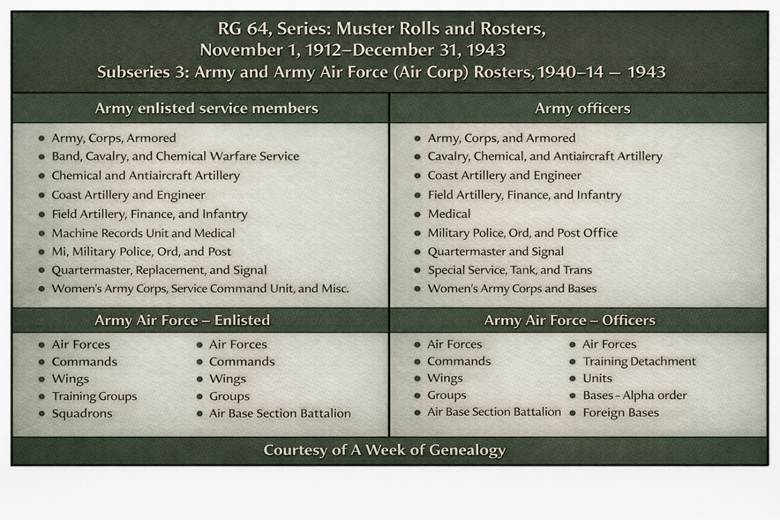
The rosters are arranged in three subseries within Muster Rolls and Rosters, November 1, 1912–December 31, 1943:
- Muster Rolls, November 1, 1912 – June 30, 1918 and Enlisted and Officer Rosters, July 1, 1918 – December 31, 1939,
- Officer Rosters, 1920 – 1939,
- Army and Army Air Force (Air Corp) Rosters, 1940 – 1943
The Series is located at: https://catalog.archives.gov/id/85713803
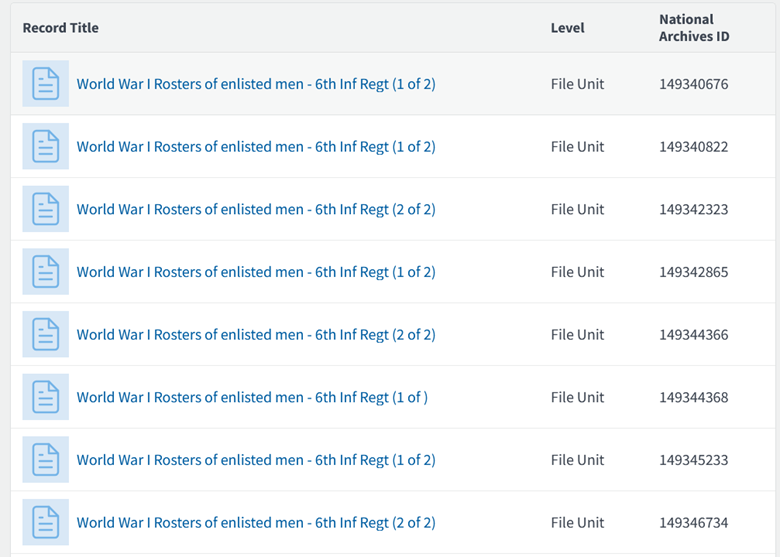
There are 625 pages of links viewing on this Series webpage, so you can browse for an organization.
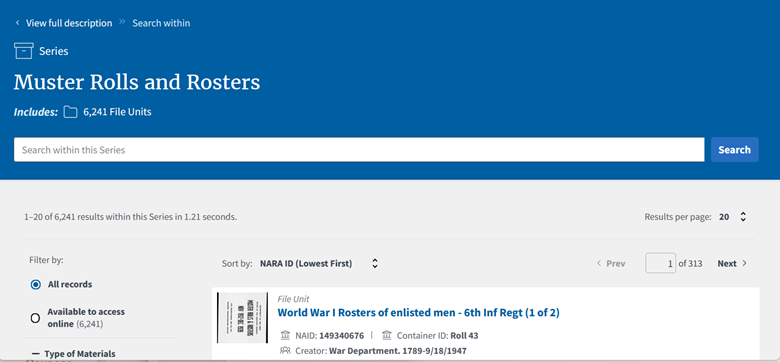
You can also search within the Series for a soldier’s name, military serial number, or even an organization: https://catalog.archives.gov/search-within/85713803
When researching WWII soldiers, there is an online finding aid to streamline the process: https://www.archives.gov/st-louis/archival-programs/army-rosters-1940-1943
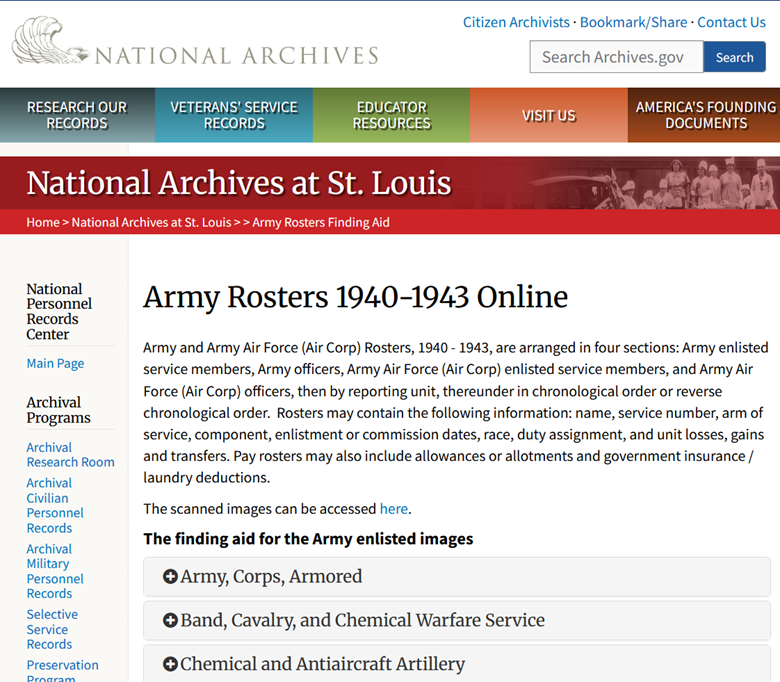
On this page, you will find information about how to locate WWII rosters organized by:
- Army enlisted service members
- Army officers
- Army Air Force (Air Corp) enlisted service members
- Army Air Force (Air Corp) officers
Within those categories, the rosters are organized by type of reporting unit.
To use the finding aid, click on the plus sign to expand the link to locate the type of unit. There will be box numbers shown, but some entries will contain links to digitized rosters, or to a pdf that contains the National Archives Identifier (NAID) in NARA’s Catalog to use when locating the online rosters.
In this example, I am searching for the rosters for a soldier in Battery A of the 500th AAA Gun Battalion, so clicked on the plus sign next to “Chemical and Antiaircraft Artillery” to expand the section.
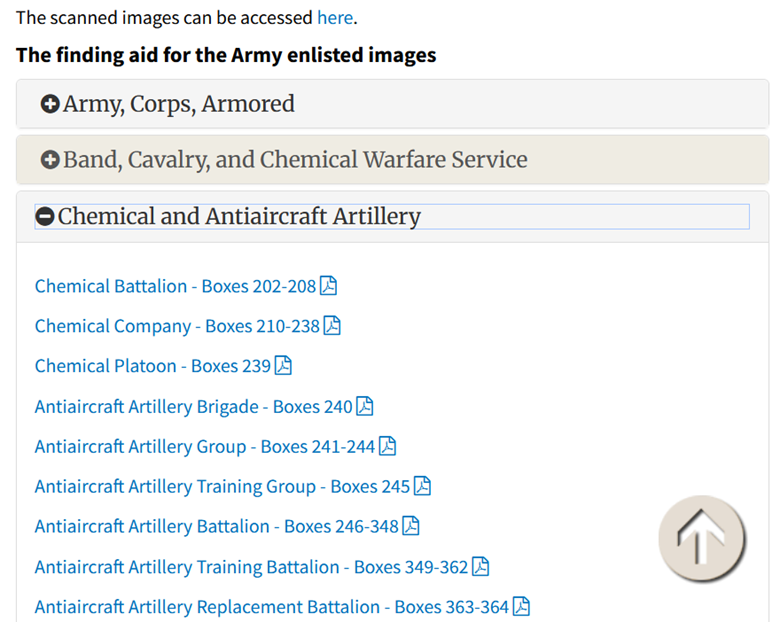
I licked on the link for “Antiaircraft Battalion – Boxes 246-348.”
The link led to a PDF file with the Catalog NAID.
https://www.archives.gov/files/antiaircraft-artillery-battalion-index.pdf
The PDF file shows that the rosters are stored by increasing NAID numbers, by the number of the organization.The first page contains the column headers. (They are not repeated on subsequent pages.)
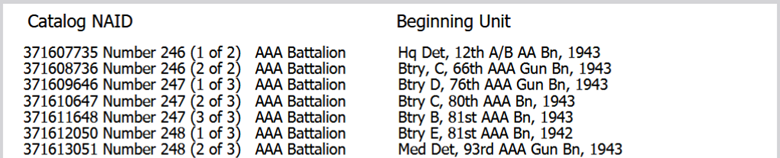
Scrolling down to the beginning of page 4 of the PDF, I find Btry C, 500th AAA Gn Bn, 1943. That means Roll Number 307 (2 of 3), which begins with Battery C of that Battalion has NAID Identifier 371744319.

Since the soldier is in Battery A, I will want to check the previous part of the roll, listed at the bottom of page 3 of the PDF, NAID 371744318, Roll Number 307 (1 of 3). I would expect that rosters for Battery A would be closer to the end of the Roll. (Remember to use the Chrome Browser to see the images in order, as Firefox has a documented bug of showing images in reverse order.)
I searched from the NARA Catalog Home Page: https://catalog.archives.gov
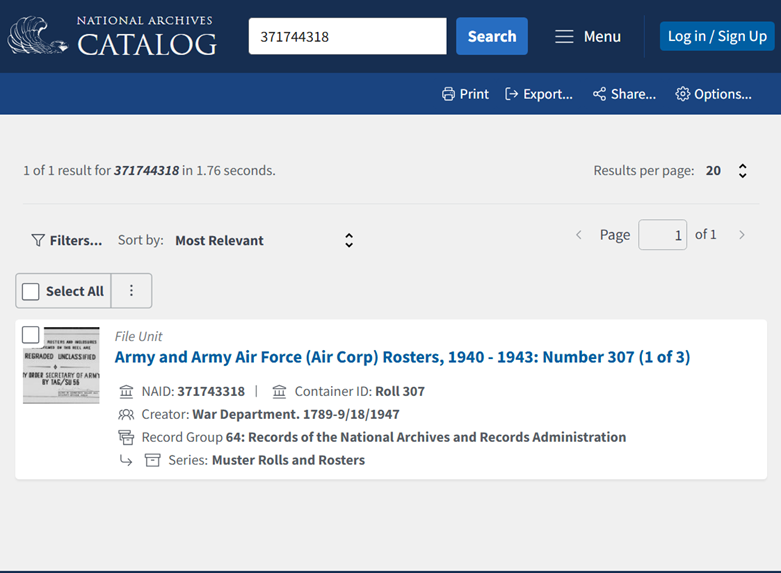
There is a blank page between the months, so I began by checking the image after the blank pages in the image range of 800-900.
I recommend building a list or a table with the information for the organization, to keep track of links. (Note: Organization and Link appear in the same column for readability. In my Excel worksheet, they appear in separate columns.)

I would want to continue to go backwards chronologically to collect the rosters for the time the soldier I am researching was in the Battery.
Another option, as described in our blog post about locating WWII Morning Reports in PDF Files can also make the task easier. Search the NARA catalog for: 371745320, which is the NAID for the final part of the Roll Number 307, part 3 of 3.
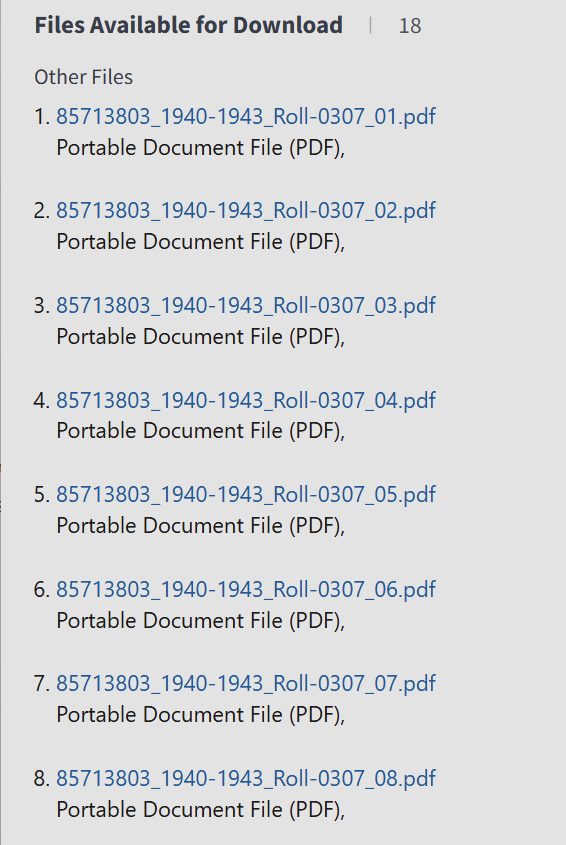
From there, the PDF files containing groups of 125 images from the Roll can be downloaded. Images for Battery A can be found in the files Roll-0307_07.pdf and Roll-0307_08.pdf
Give it a try and let me know how you do!